
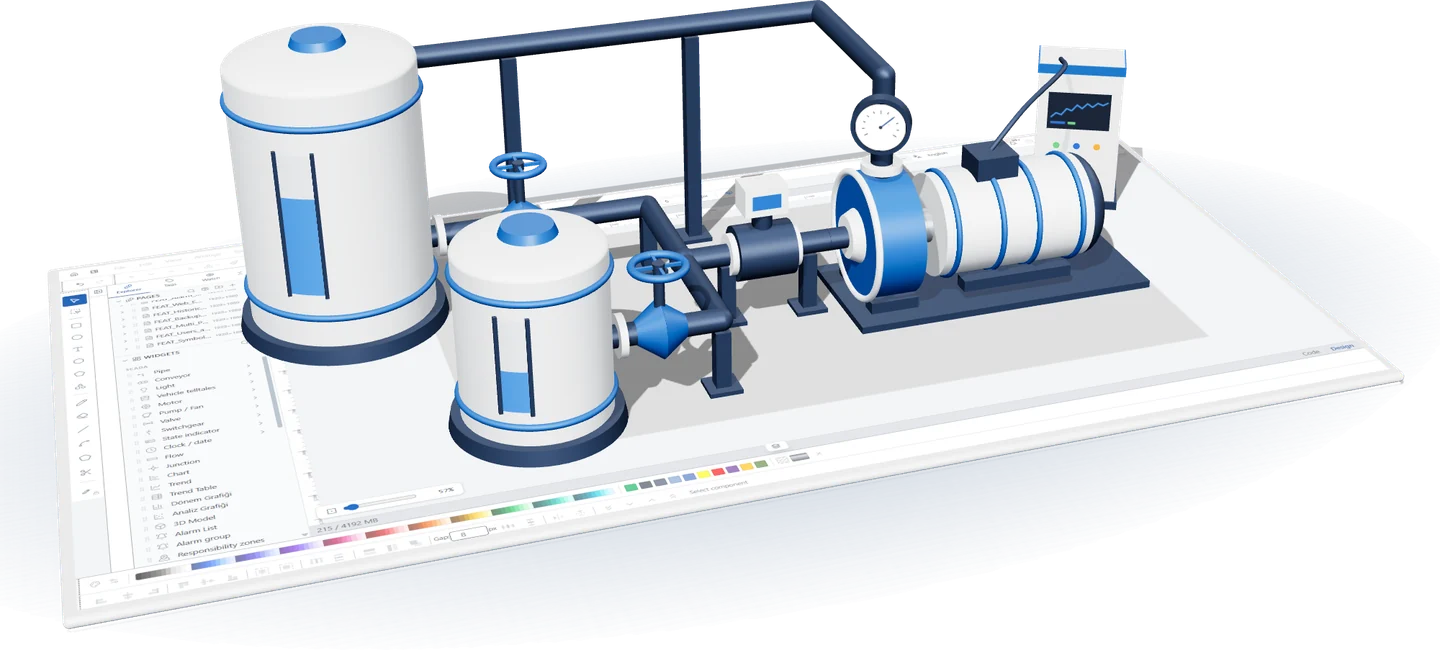
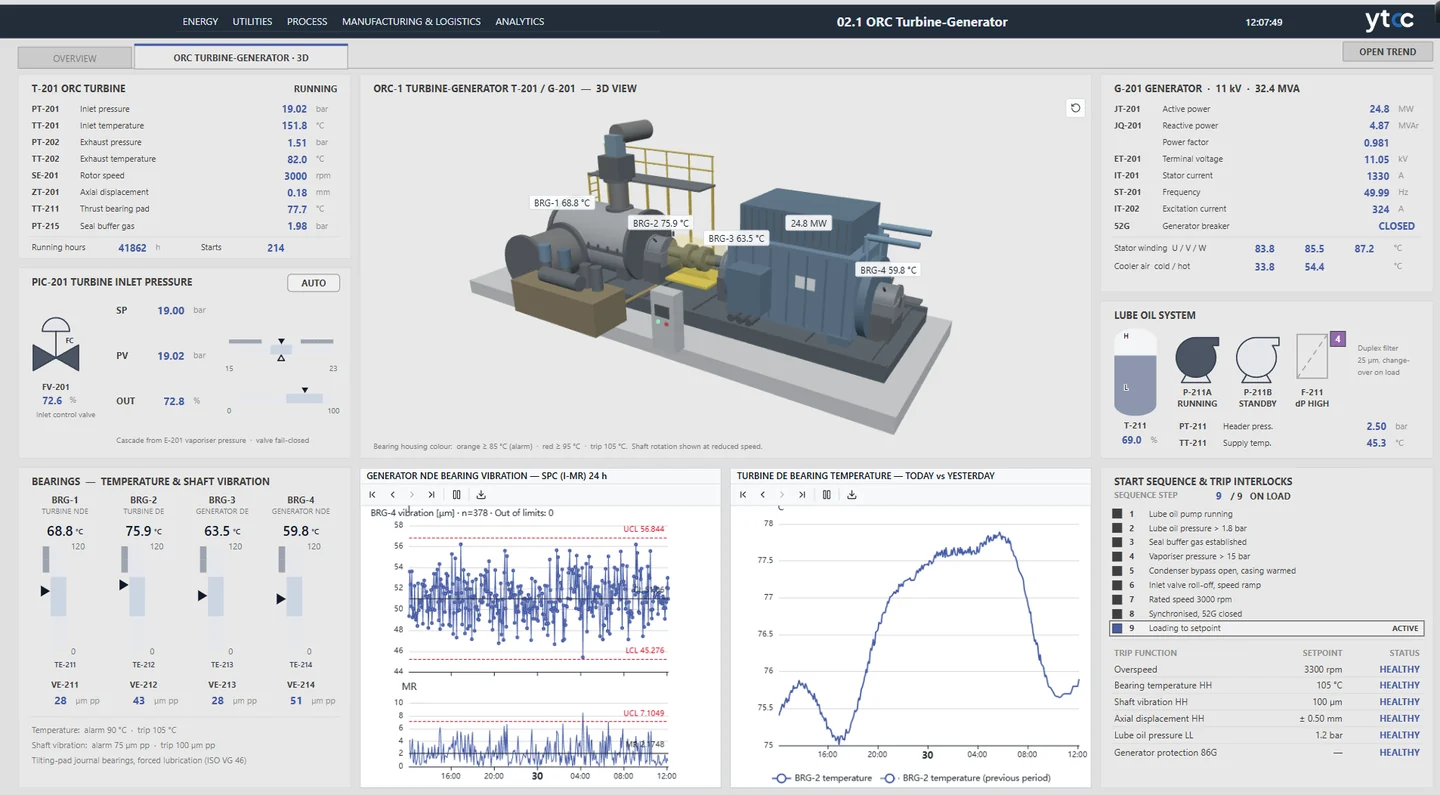
Bind the model to your signals
Let the pump turn with its signal, the valve change color and values sit in labels on the equipment. Put the 3D view on a runtime screen and follow measurements and charts on the same page.
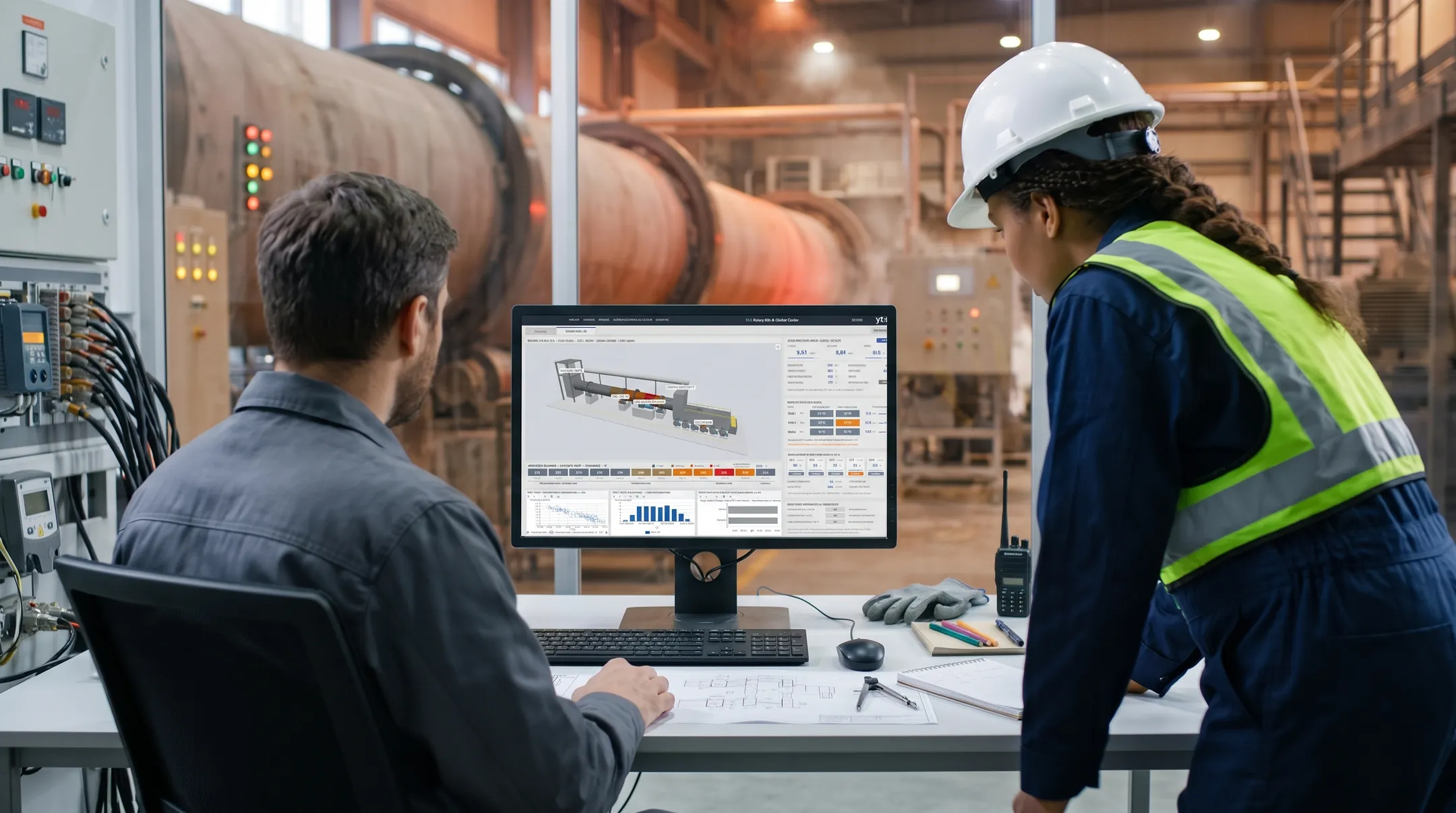
Use your own plant's model
Upload your 3D model as a single file and place it on a page in the screen editor. Tanks, pumps and piping come in that one file, each under its own name.
Frequently asked questions
Which model files can I use?
Binary glTF 2.0 (.glb), up to 25 MB. Prepare the model and its part names in your own modeling tool, without Draco or Meshopt compression. You upload the file from the object's properties, and it stays with the project and its backups.
Can I bind parts of the model to signals?
Yes. Pick a part by name or pattern, then drive its rotation, angle, position, visibility, color and value label from signals, or attach an action to a click. When you replace the file, the bindings stay as long as the part names match.
Can operators rotate the model?
Yes. Dragging rotates the model, the mouse wheel zooms, and one button returns to the starting view. You can turn this off at design time. The browser needs no plugin, only WebGL 2 switched on.
YTCC. Your trusted control center for energy and industrial SCADA.
Download YTCC and build your first screen.