
Symbol Library
Pumps, valves, tanks and gauges come ready-made; drag one in and bind it to a signal.
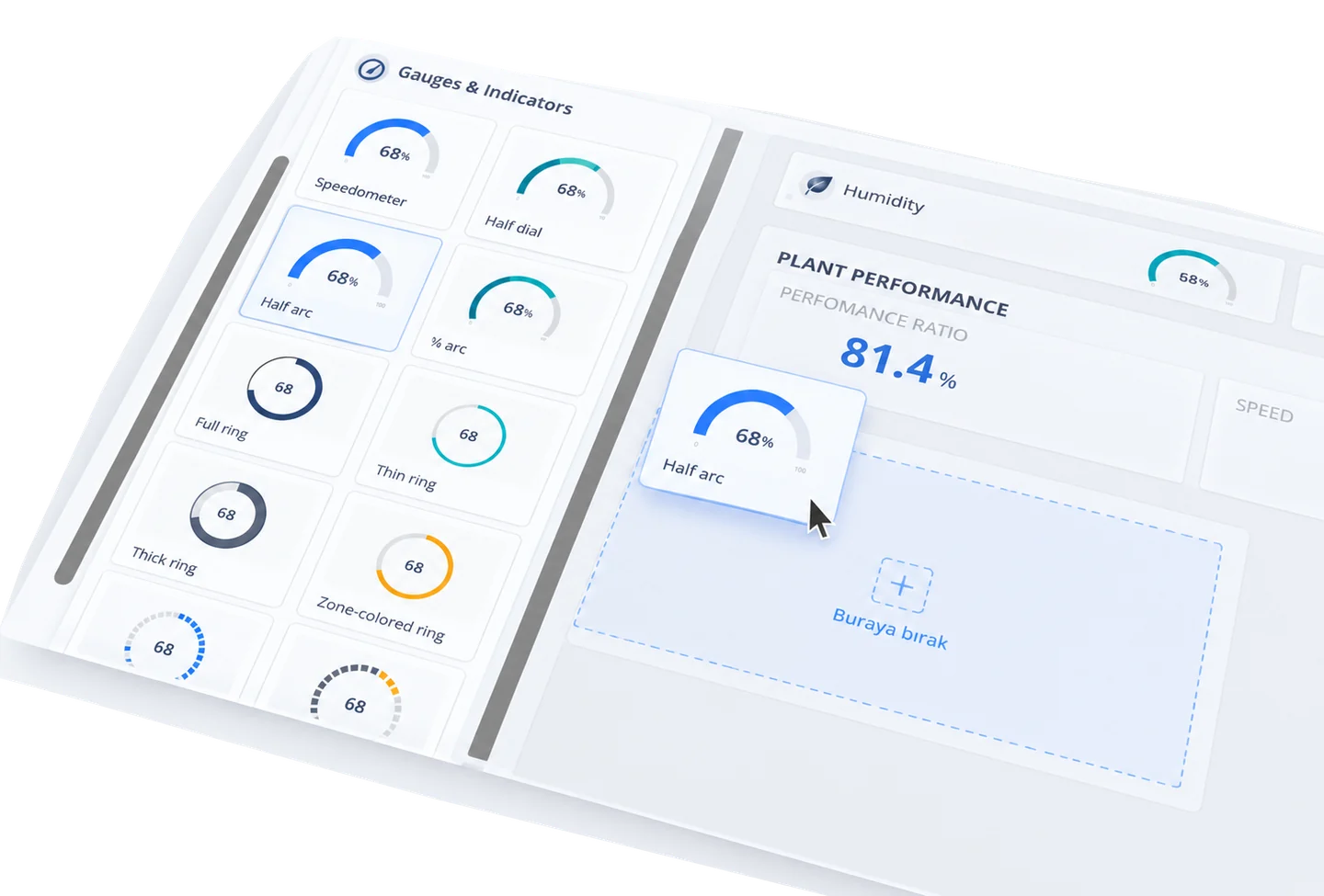
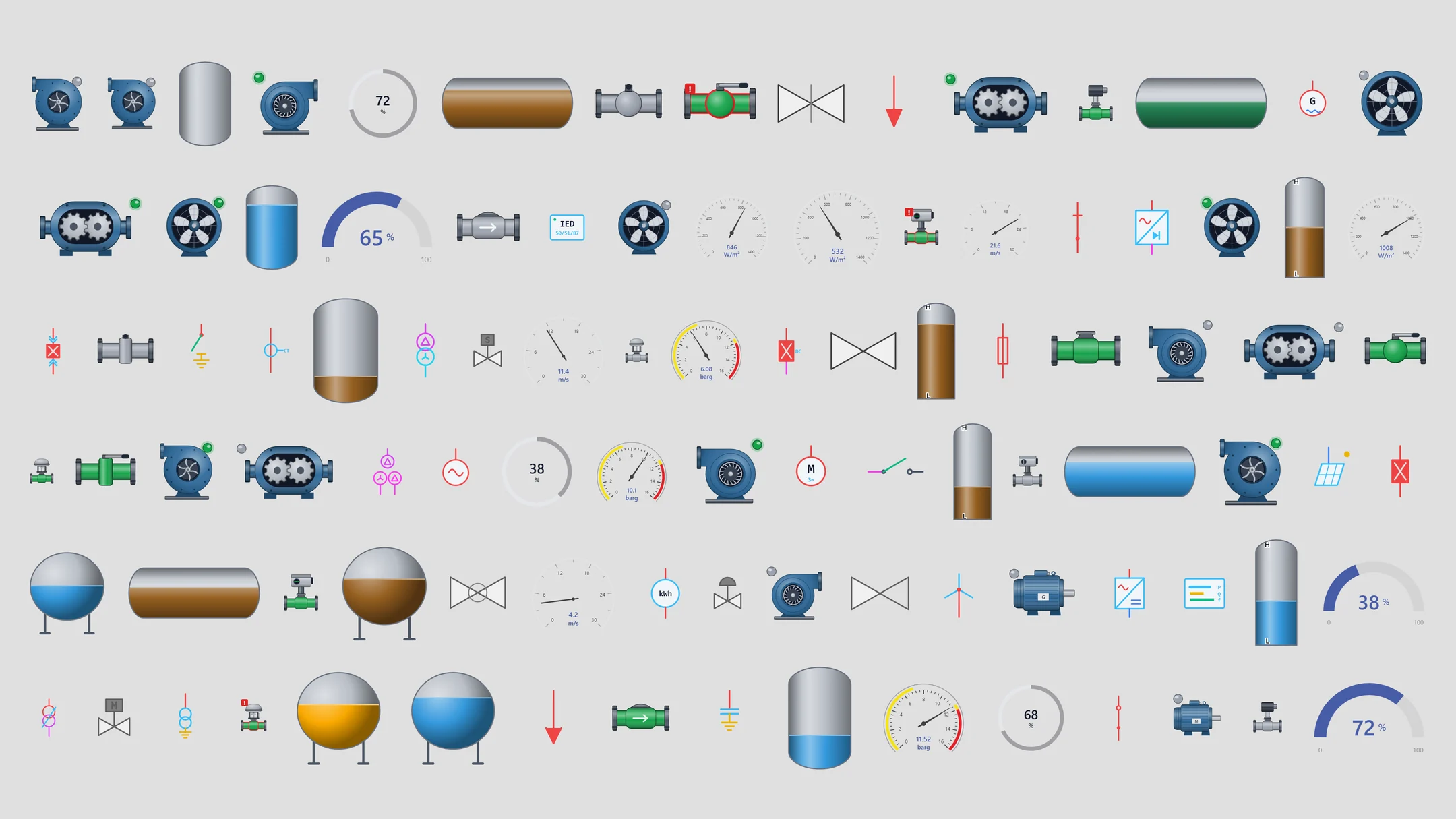
Ready-made symbols for field equipment
Pumps, valves, tanks, fans and gauges are ready in the editor. A pump symbol shows running, stopped and fault, and a running pump's impeller turns.
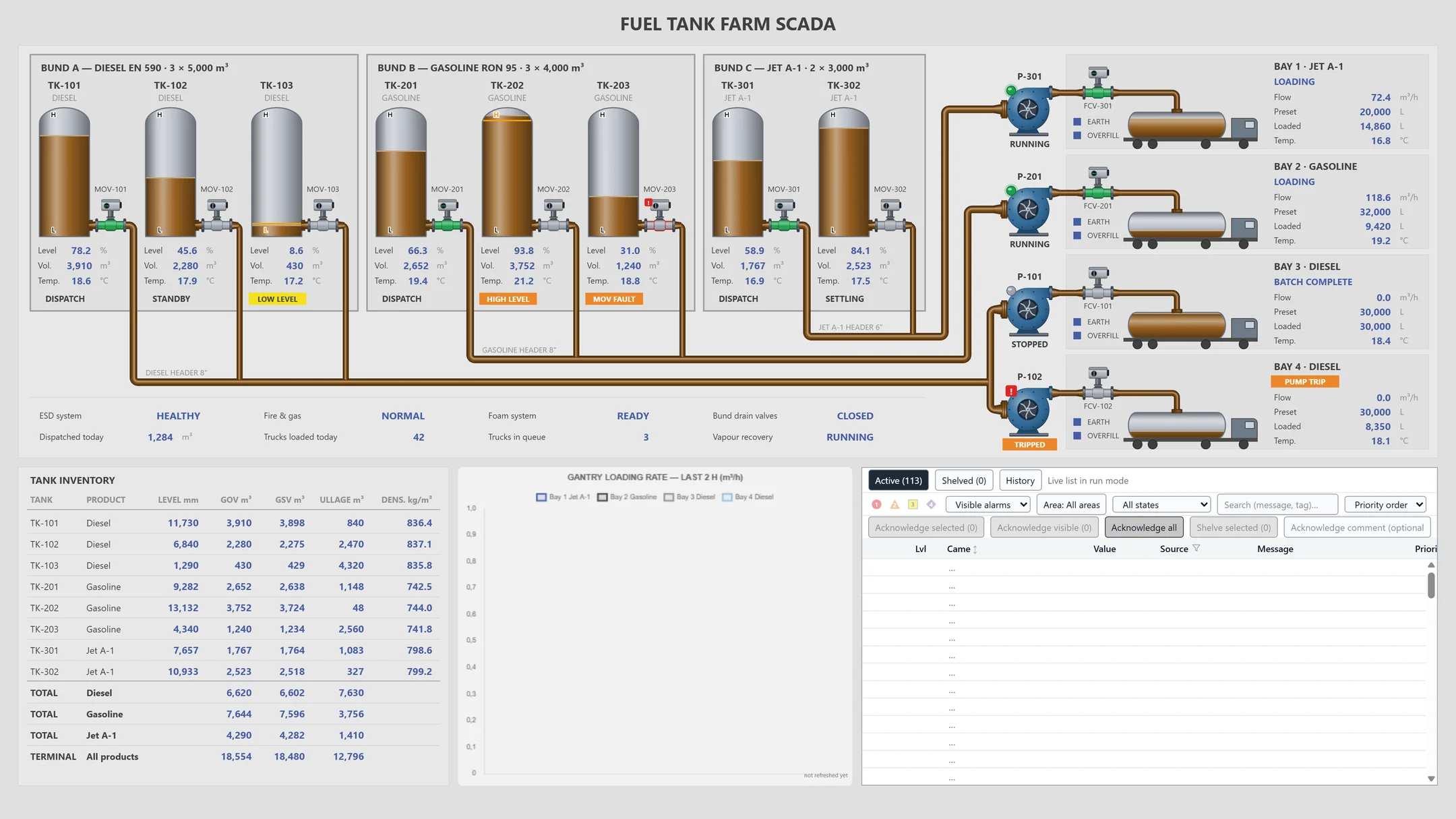
A tank farm from ready-made symbols
Tank levels fill with their signal, and pipe flow starts and stops with its signal. Bind the same symbol to a different signal for each pump.
Frequently asked questions
Which symbols come ready-made?
Gauges, pumps and motors, valves, tanks, flow meters, and electrical, energy and HVAC symbols. For single-line diagrams there are breakers, disconnectors, busbars and transformers too.
Can I use my own symbols?
Yes. Import your drawing as SVG and bind signals to its parts. Parameterized symbols let you reuse one drawing for different equipment.
How do symbols connect to signals?
Place the symbol on the screen and bind its state, level or color to a signal. On the runtime screen the symbol follows the value.
YTCC. Your trusted control center for energy and industrial SCADA.
Download YTCC and build your first screen.