
Real-Time Monitoring
Watch your plant from the browser. Pumps, valves and levels update on screen as they change.
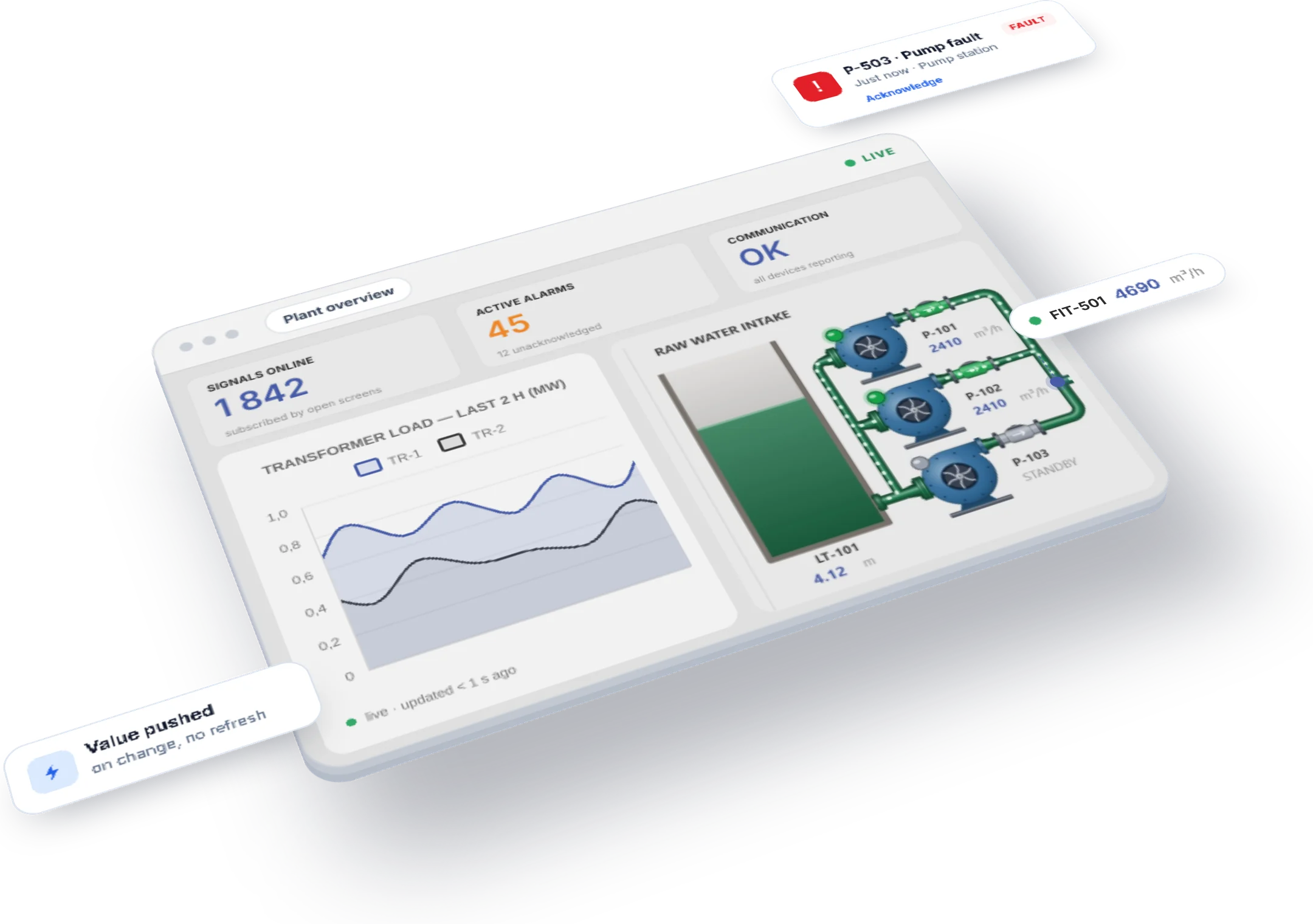
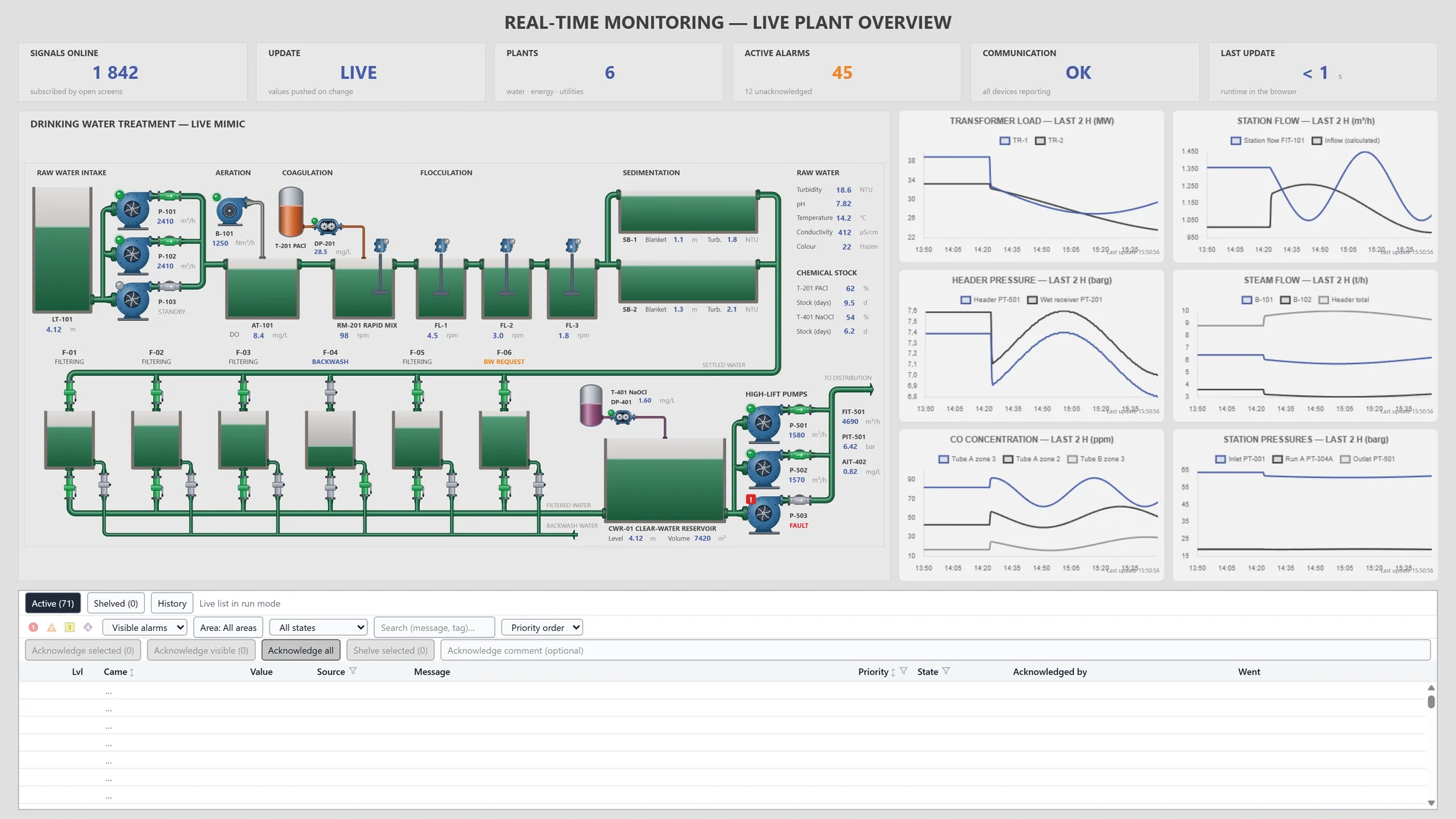
Mimic, charts and alarms on one screen
See the process mimic, live charts and the alarm list side by side. When a value changes, the screen updates itself.

Spot a lost link on screen
If a device goes quiet, an alarm comes in and its values change color, so operators can tell a stale value at a glance.
Frequently asked questions
What do I need to install on the client side?
Just a browser. Once the YTCC server is installed, the runtime screen opens in the browser.
What do I see when a device loses its link?
A single alarm comes in for that device, and the objects showing its values turn the "no communication" color.
Are commands sent from the screen logged?
Yes. Every command is logged with the user, value and result. A command sent while the link is down is rejected.
YTCC. Your trusted control center for energy and industrial SCADA.
Download YTCC and build your first screen.