
Backup and Migration
Back up your project to a single file and move it to another server.
From one server to another
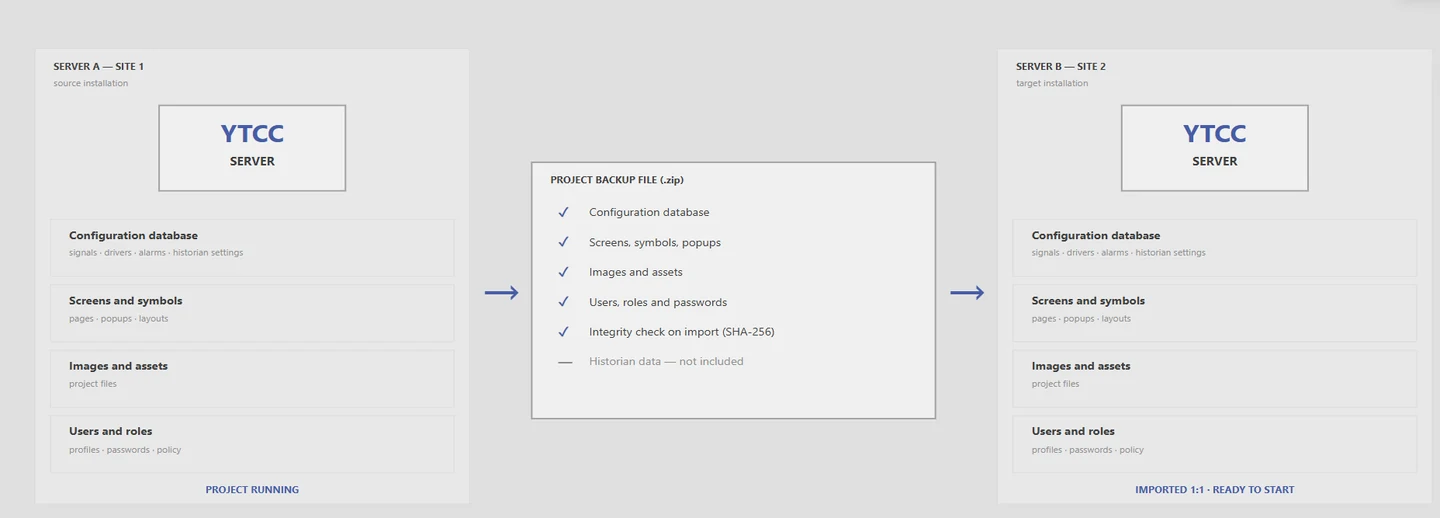
The backup file carries screens, settings, users and roles. YTCC checks the file before importing it.

Changes leave a trace
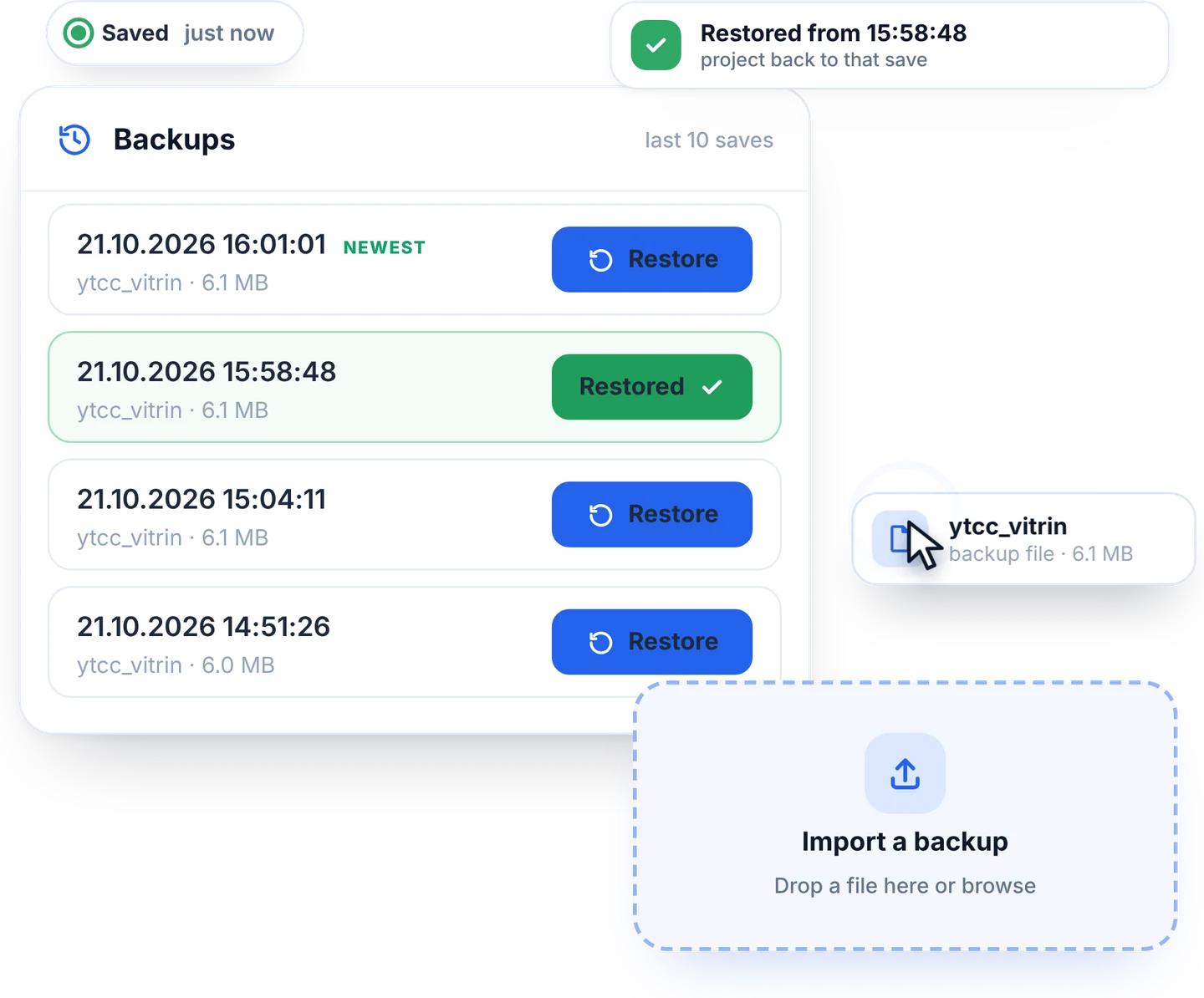
See who changed which setting and when in the audit log. The screen editor keeps your last ten saves too.
Frequently asked questions
What does the backup include?
Settings, screens, images, users and roles. Measurement and alarm history, driver keys and certificates are not included.
How do I back up a project?
With a command-line tool, which also restores it. Stop the system before a restore.
Can I move a project to another computer?
Yes. Import the backup file into YTCC on the new computer; users and roles come along.
YTCC. Your trusted control center for energy and industrial SCADA.
Download YTCC and build your first screen.