
AI and MCP
YTCC with AI
YTCC works with AI tools over the Model Context Protocol (MCP).
What you can do
MCP opens your YTCC project to an AI client. You write the request; the AI builds the screen, symbol or 3D object in YTCC for you.
-
Builds pages and symbols
Creates, changes and deletes pages, symbols, popups and layouts. Checks and writes several pages in one package.
“Create a parametric valve symbol.”
-
Arranges objects
Adds, aligns, spaces evenly and moves objects forward or back. A batch edit is applied in full or not at all.
“Space the three valves I selected in the editor evenly in a row.”
-
Connects pipes and lines
Pipes equipment together nozzle to nozzle and draws electrical lines.
“Connect the pump to the tank with a pipe.”
-
Binds to signals
Binds many objects to existing signals in the project in one go.
“Bind the tank level gauges to the TANK1_LEVEL and TANK2_LEVEL signals.”
-
Draws from reference images
Builds a new page in YTCC from a screenshot or a reference image, drawing the mimic with native YTCC objects.
“Draw the pump station in this screenshot as a new page.”
-
Checks its own work
Renders the page as an image to check it, and reports alignment, overflowing text and unbound signals.
“Check the main page and report overflowing text and unbound signals.”
-
Creates 3D objects
Builds the tank, pump or valve you describe as a 3D object.
“Create a vertical 3D tank with blue bands and a level window.”
YTCC with AI
Ask for a screen in your own words
Connect your AI client to your YTCC project over MCP. Write what you need, and AI builds the SCADA screen, the symbol and the 3D object.
“Draw a SCADA screen for a steam boiler house.”
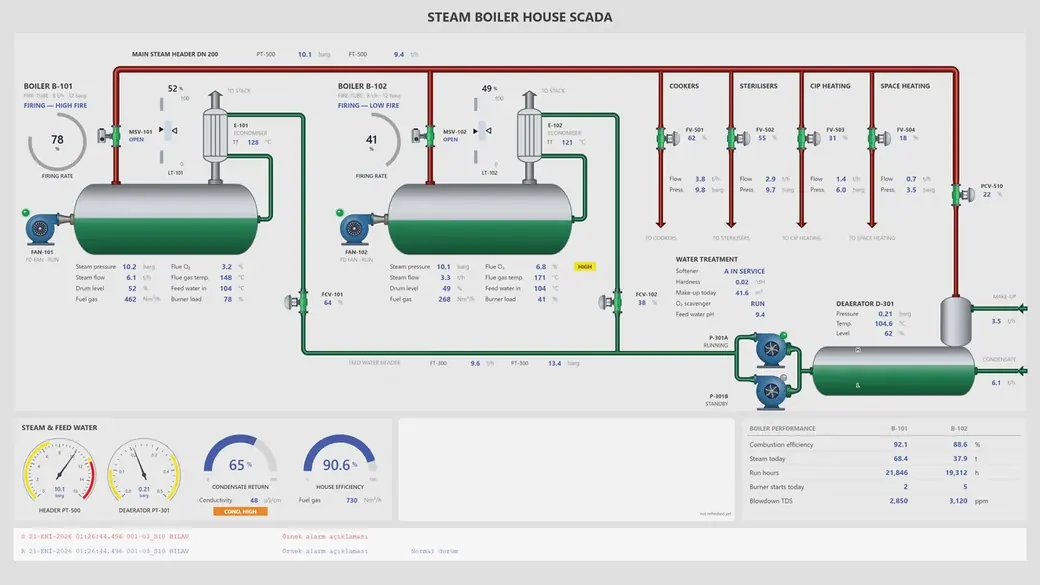
You describe it. AI draws it.
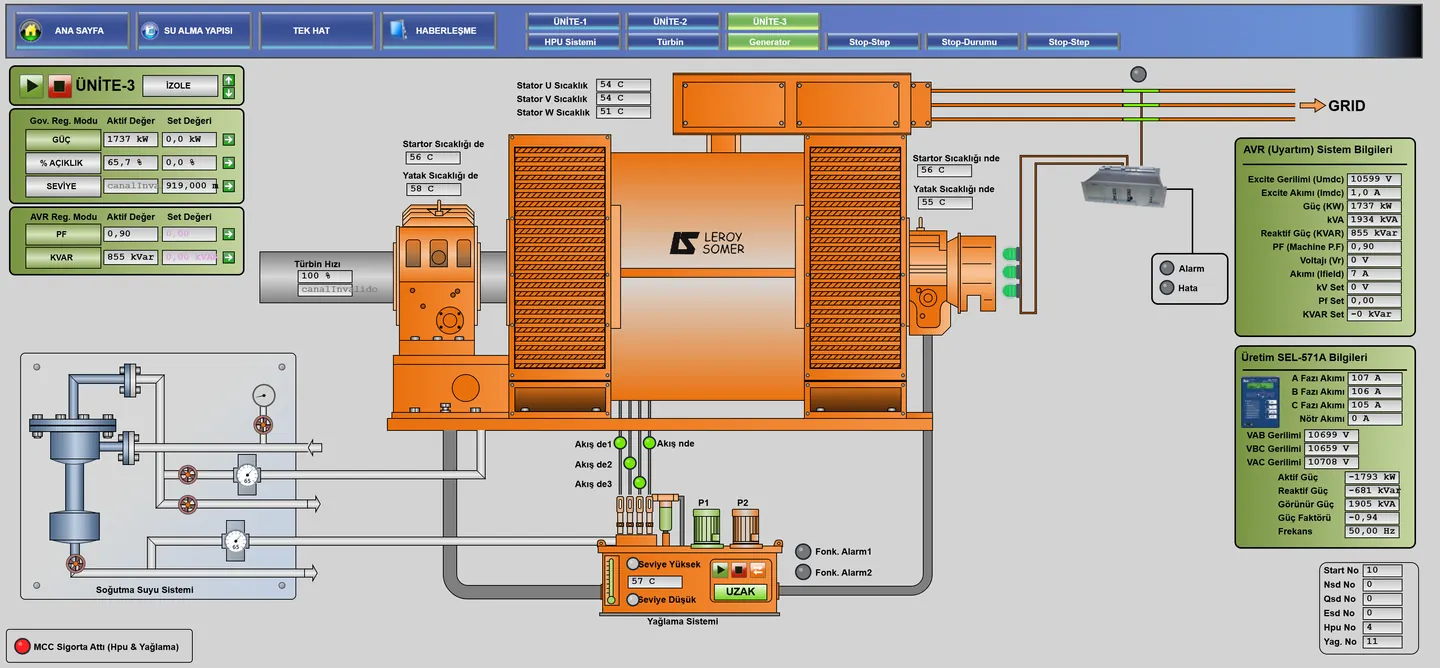
YTCC MCP AI Draw
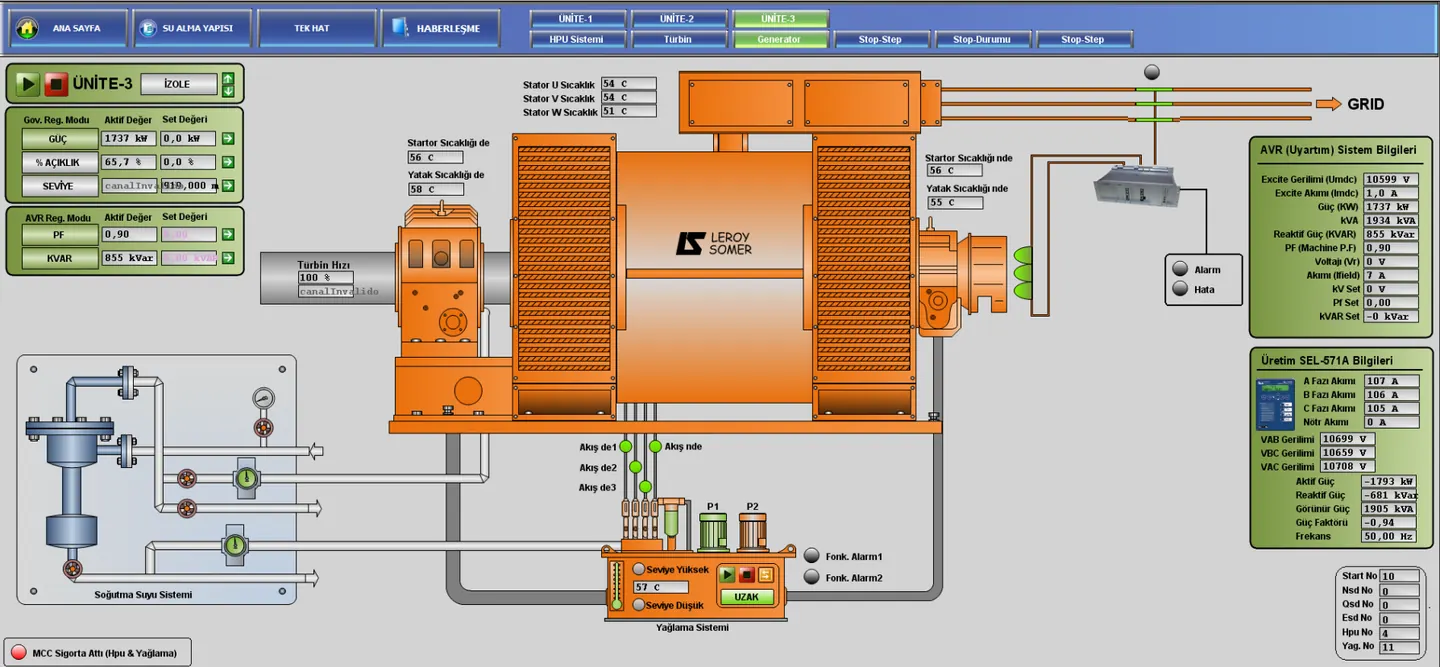
 Visio Draw
98.9% successful
All made with AI
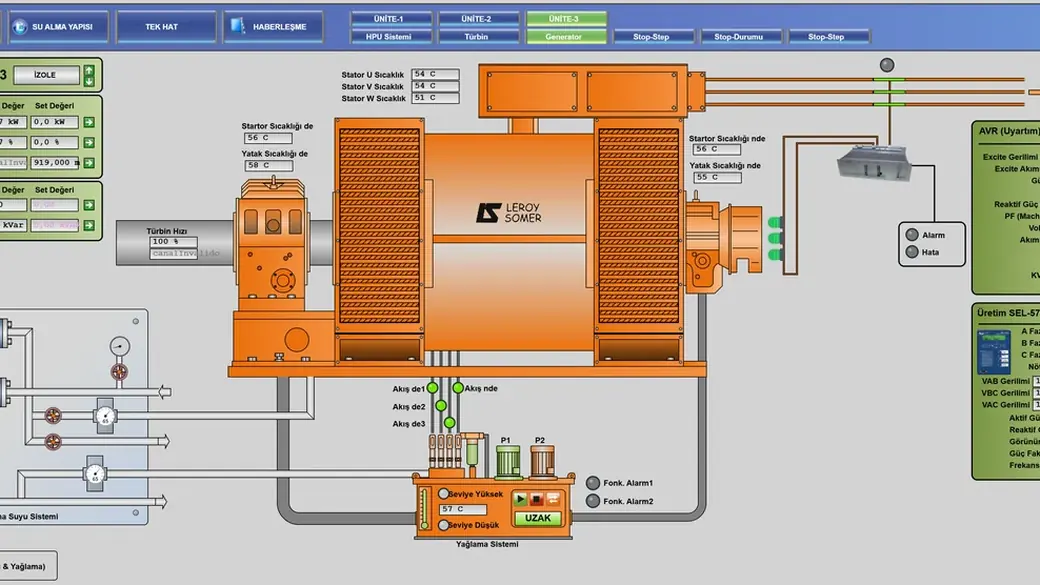
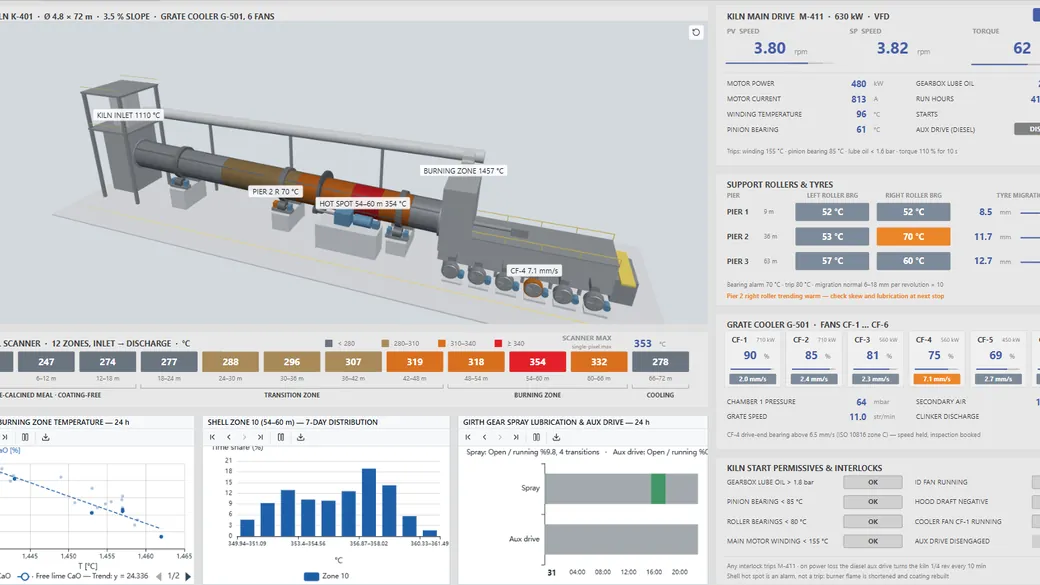
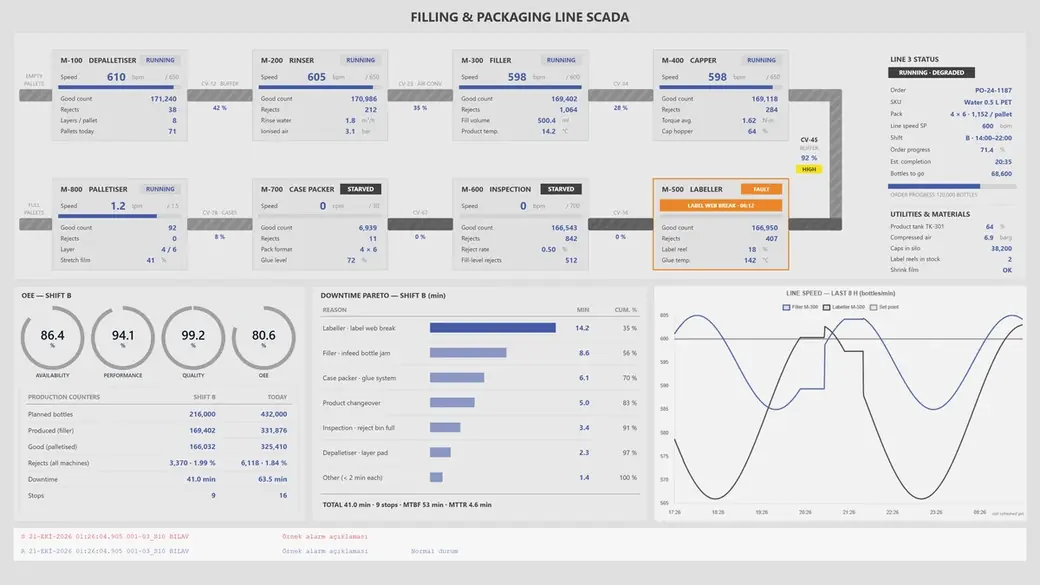
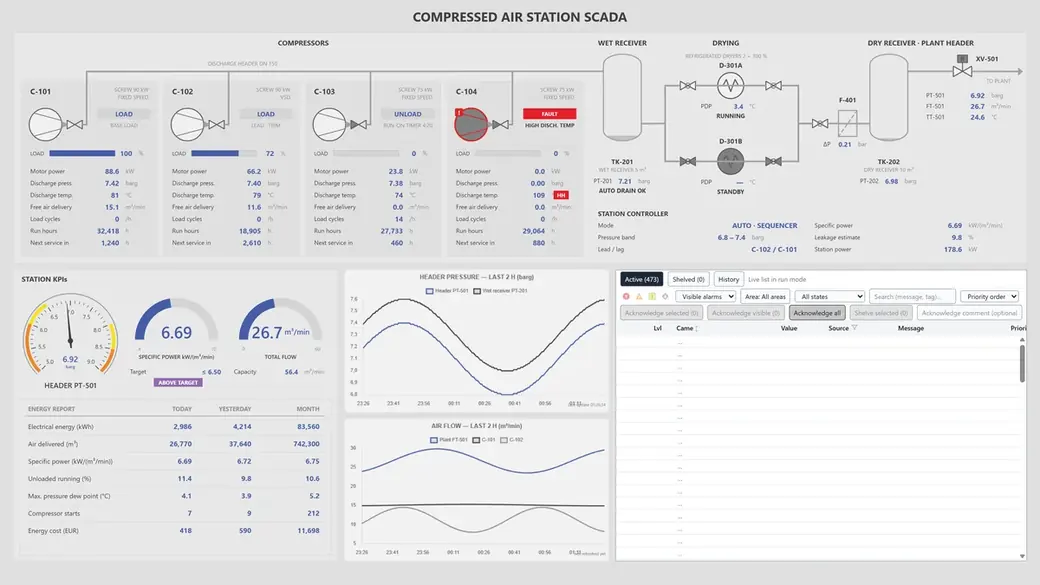
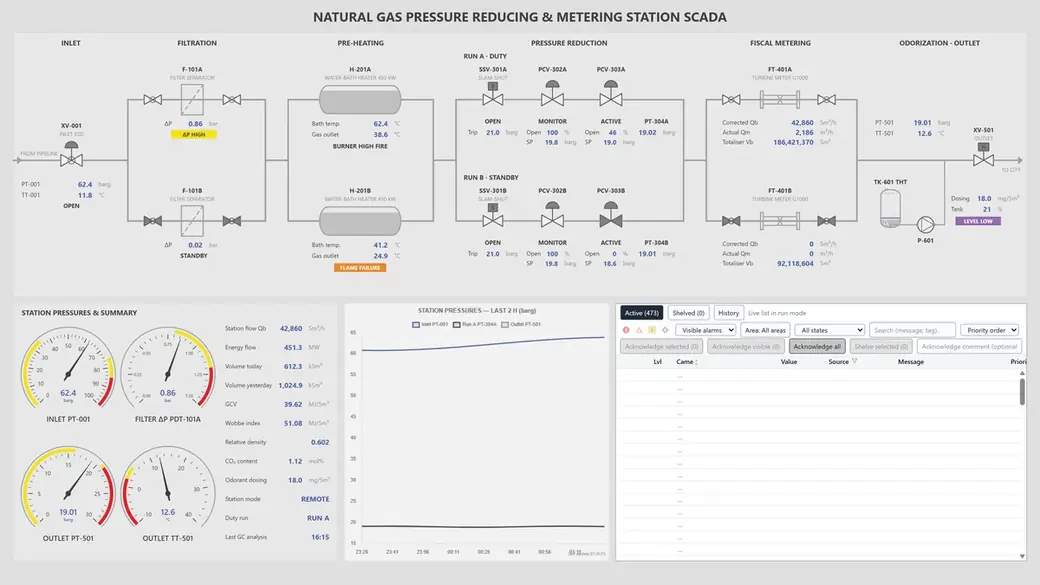
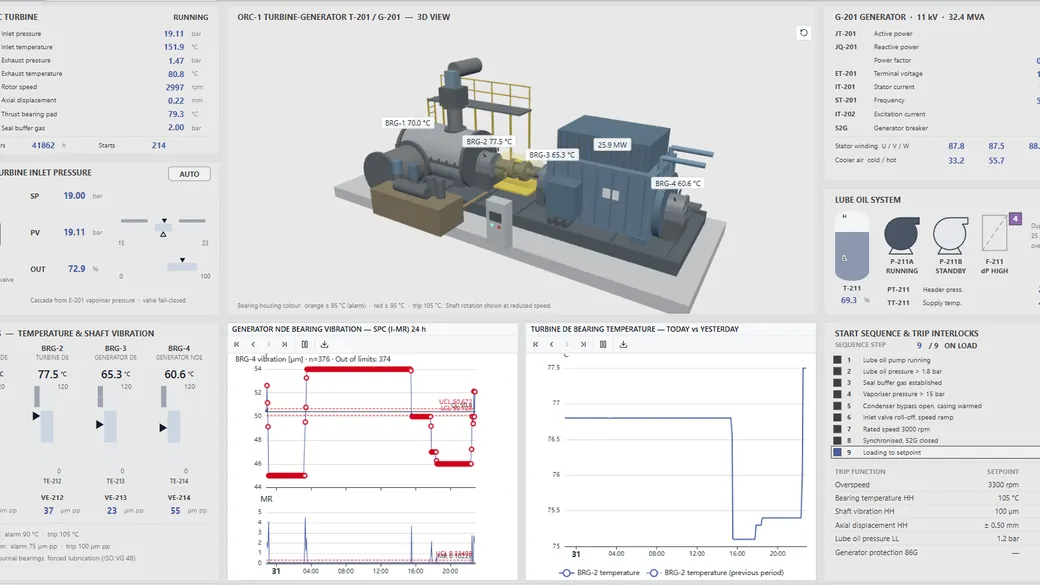
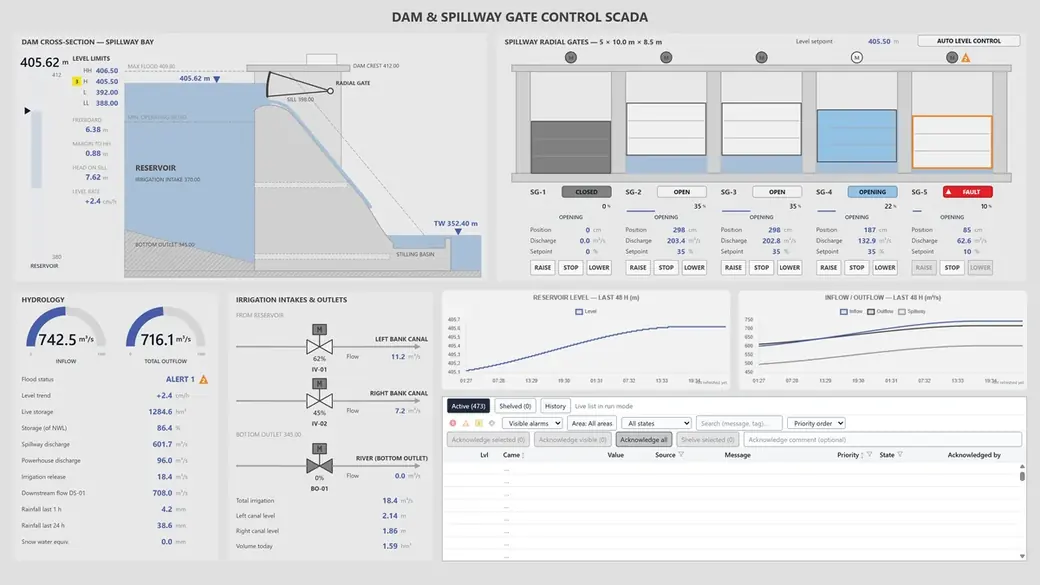
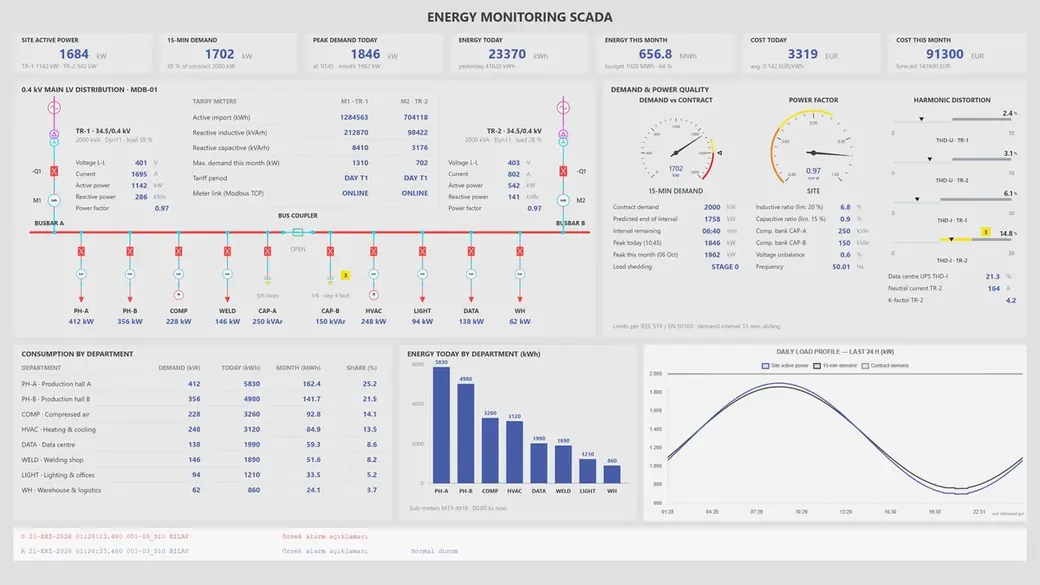
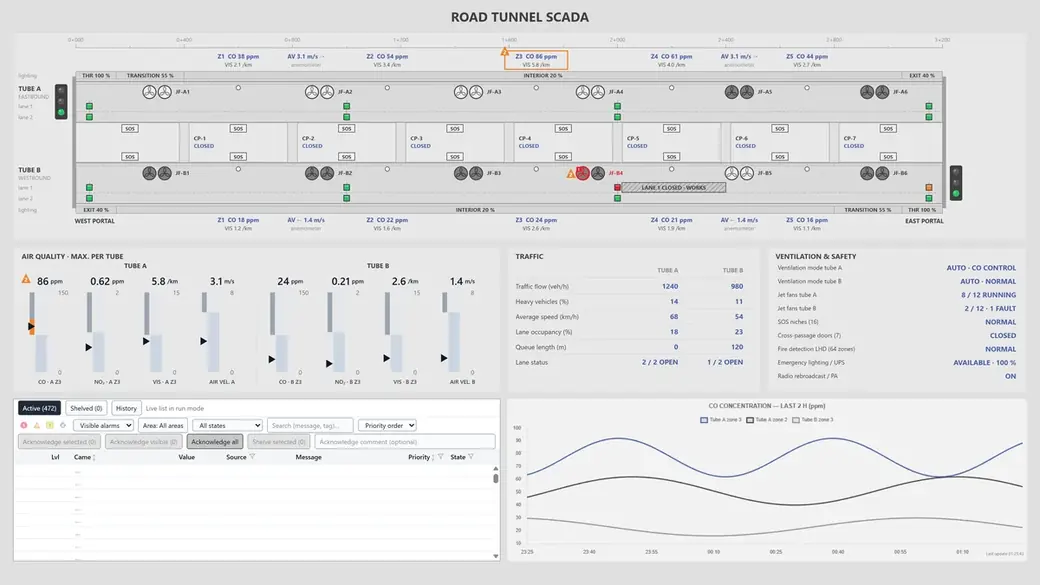
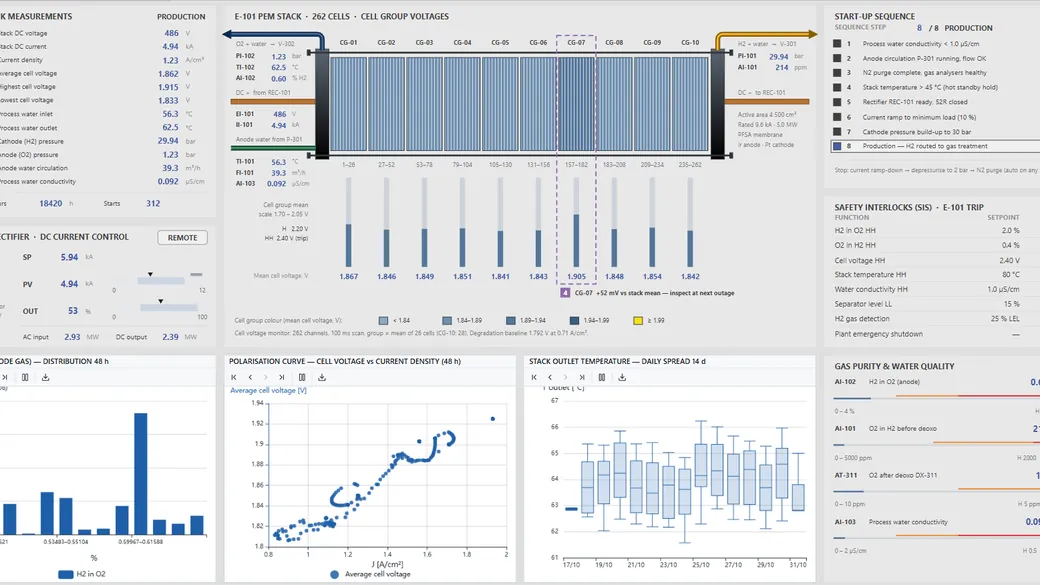
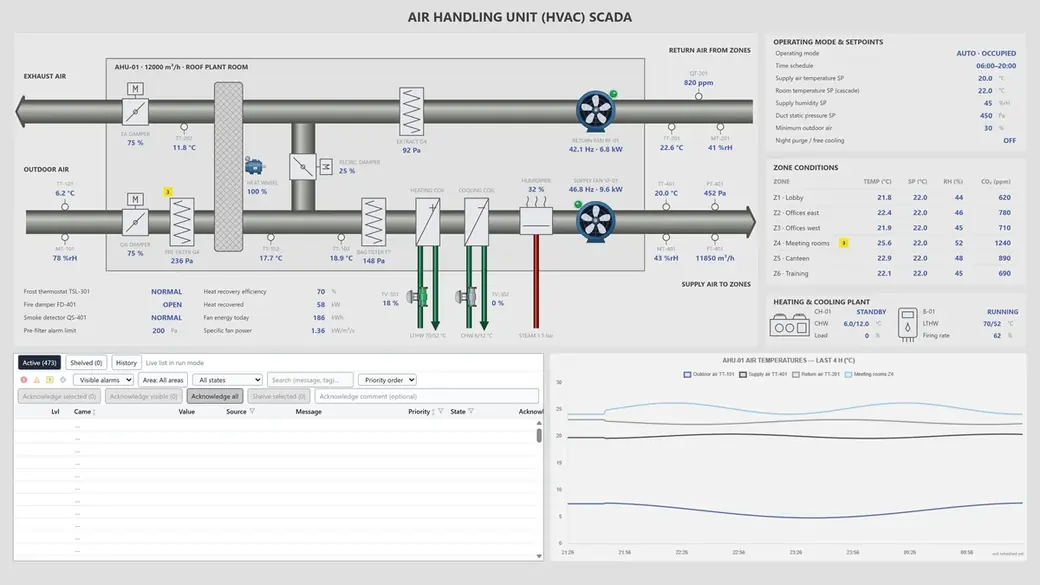
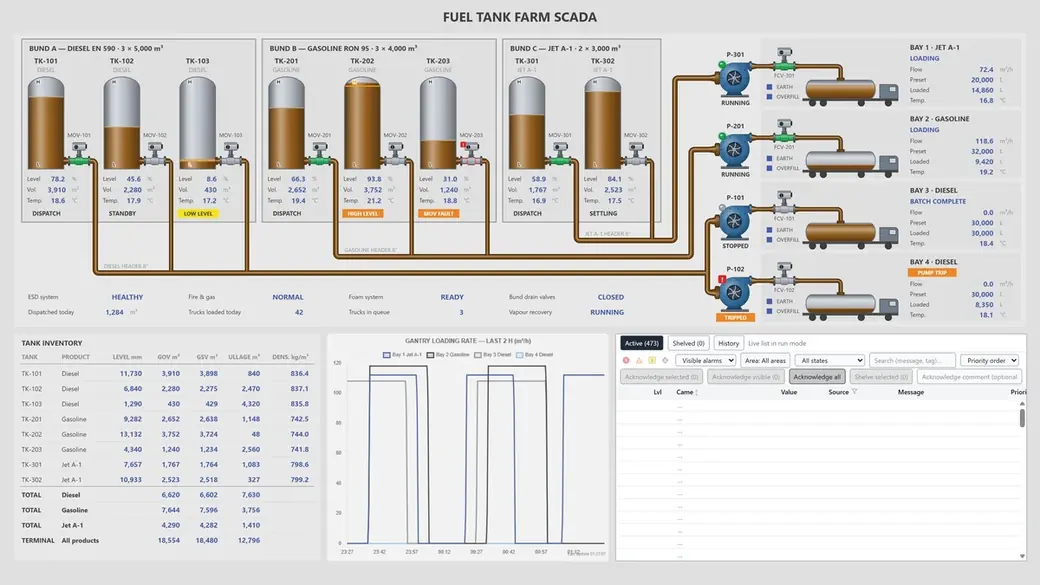
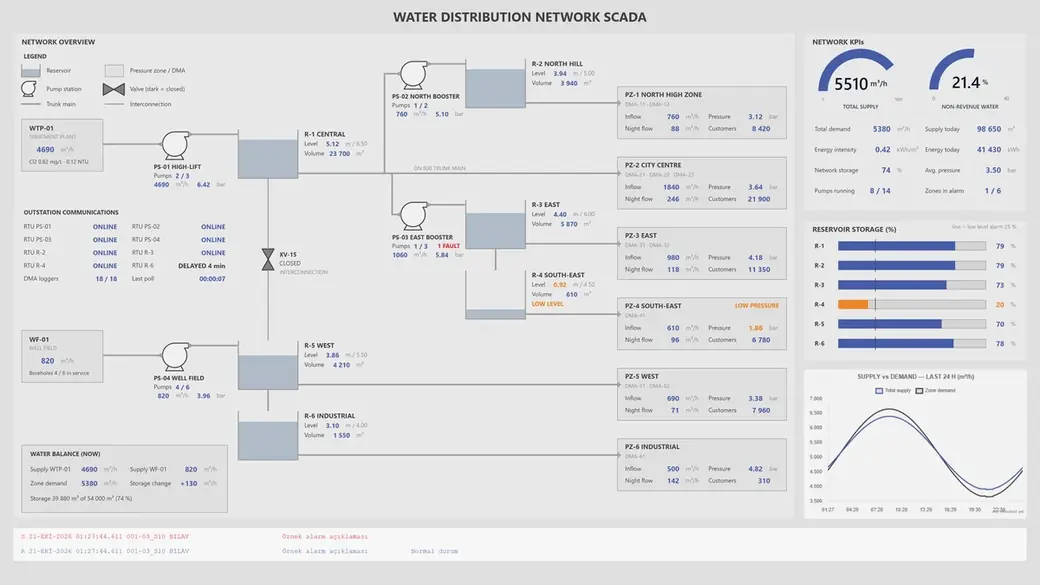
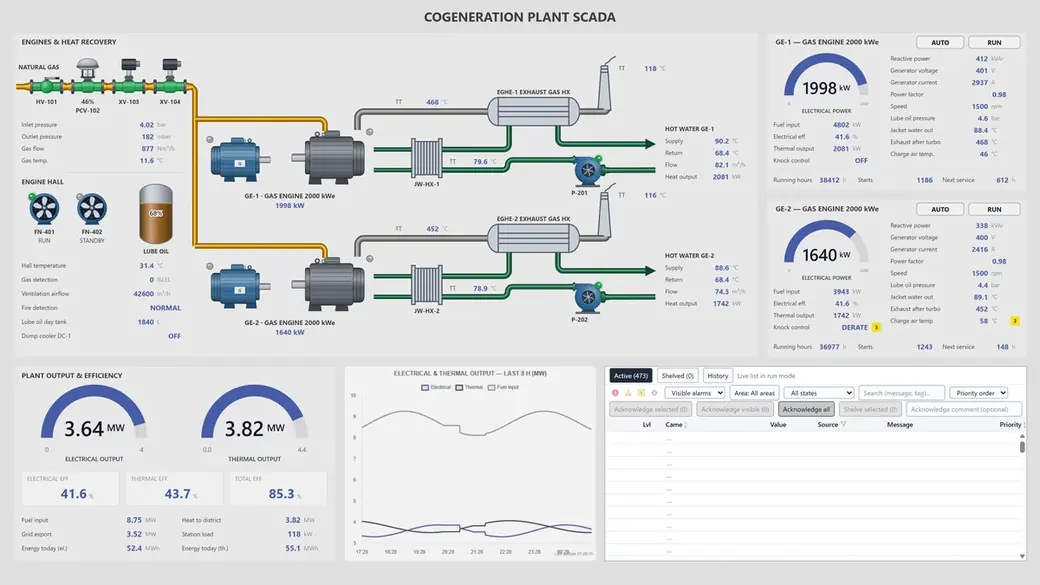
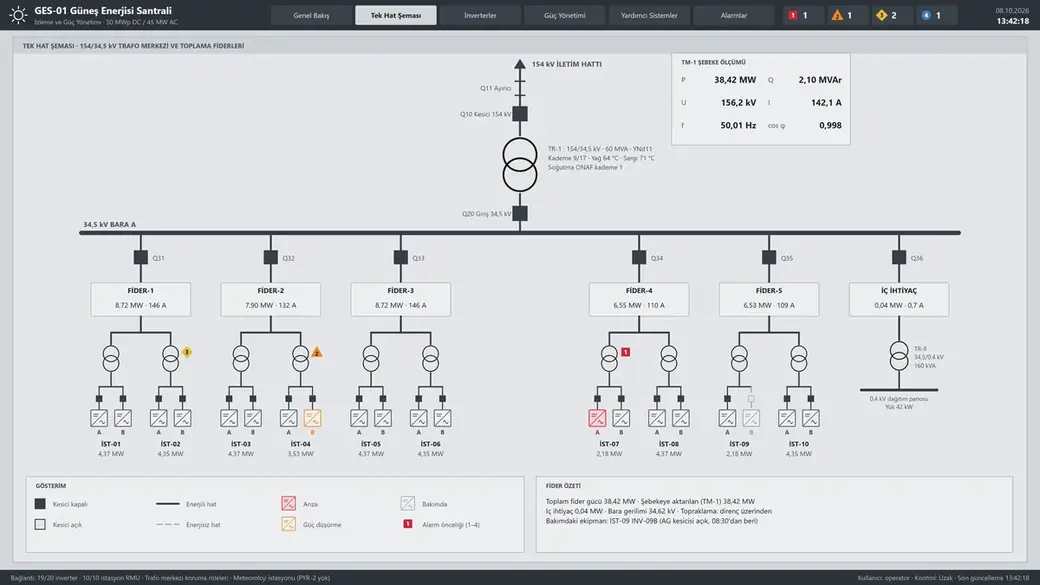
YTCC. Your trusted control center for energy and industrial SCADA.
Download YTCC and build your first screen.