
Industrial Manufacturing
Monitor your production lines in a web browser. YTCC talks to PLCs over Siemens S7, EtherNet/IP, Beckhoff ADS, OPC UA and Modbus TCP, and lets you design and run line screens, counters and alarms in the browser.
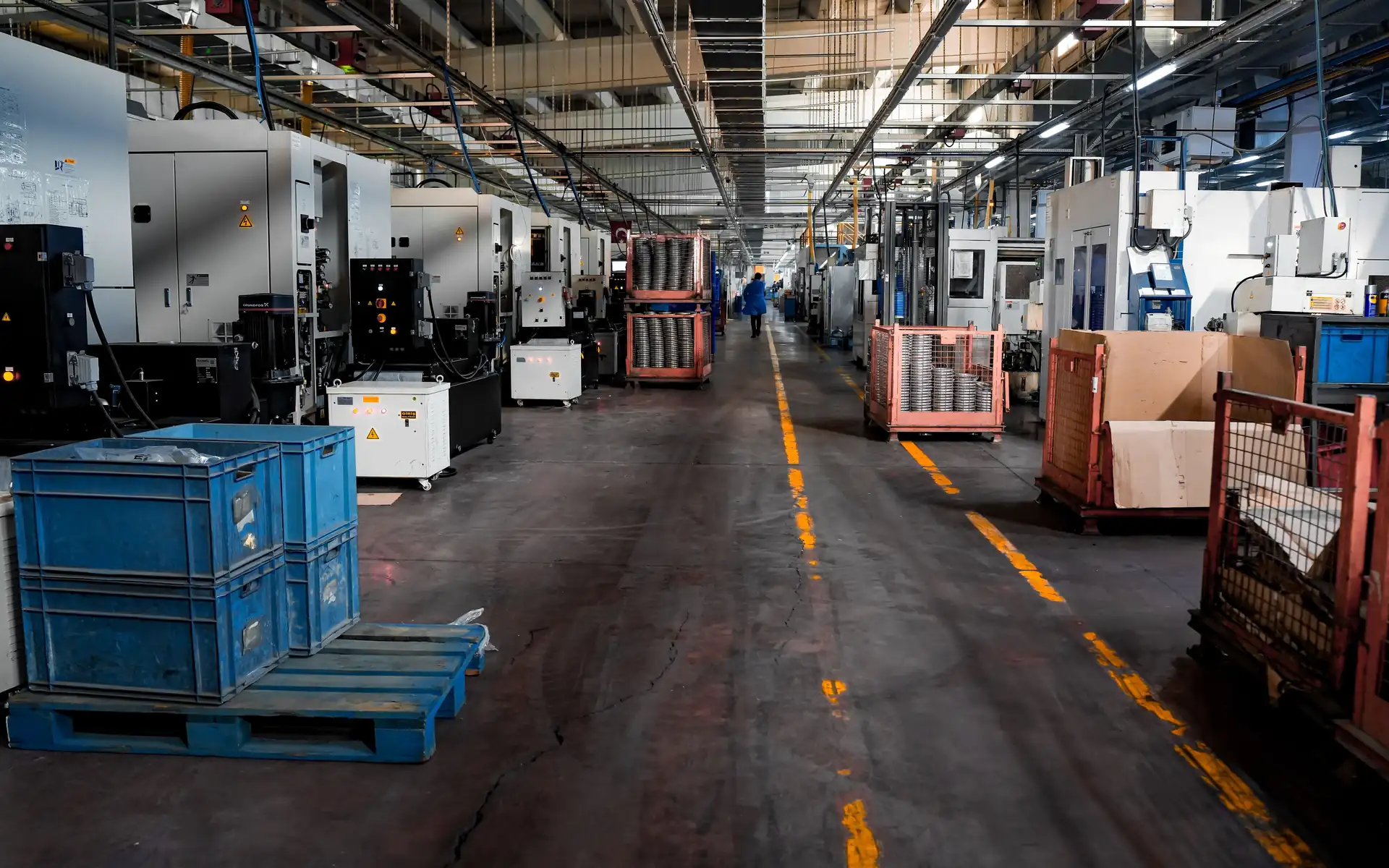
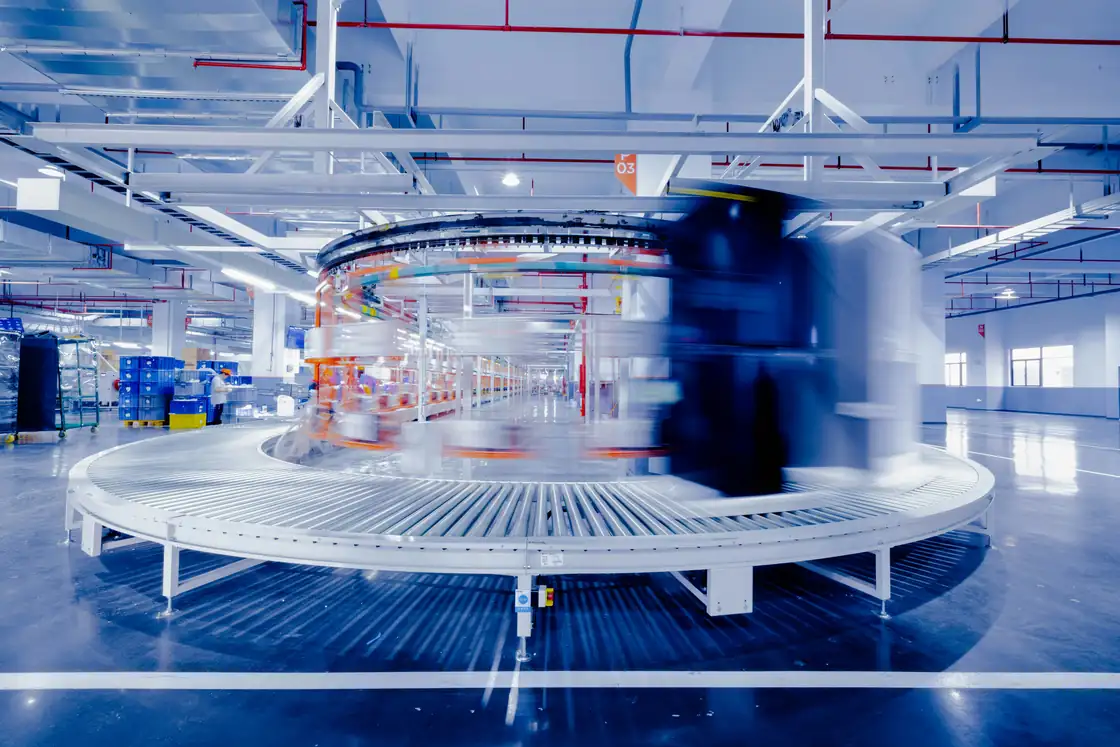
Monitor the line and change signals while the driver runs
On a production line, PLCs, drives and machines from different makers work side by side. Operators want line speed, machine states and good and reject counters on one screen; engineers do not want to stop the line or its communication to add a signal.
YTCC talks as client over Siemens S7 (S7comm, ISO-on-TCP), EtherNet/IP (Logix symbolic tags), Beckhoff ADS (TwinCAT 2/3 symbolic names) and OPC UA, as Modbus TCP master and as MQTT client. Each driver instance runs in a separate operating system process, and the supervisor process restarts a driver that stops.
Adding and deleting points and changing addresses and scaling take effect without restarting the driver and without dropping the device connection. In the configuration editor you edit signals in bulk, generate signals from types and import or export them with Excel or CSV; changes are validated, the difference is shown and they are applied in one transaction.
You draw line screens in the screen editor in the browser; the conveyor object moves its belt with a "running" signal, with adjustable speed and direction. Among the internal tags, a counter counts the 0-to-1 transitions of a signal and can be reset, running hours are totalled, and both keep their state across restarts. You write server scripts in TypeScript. The sending user, value and result of each command go into the audit log, and configuration changes record who changed which record when, with the previous and new values.
A sample YTCC screen for Industrial Manufacturing
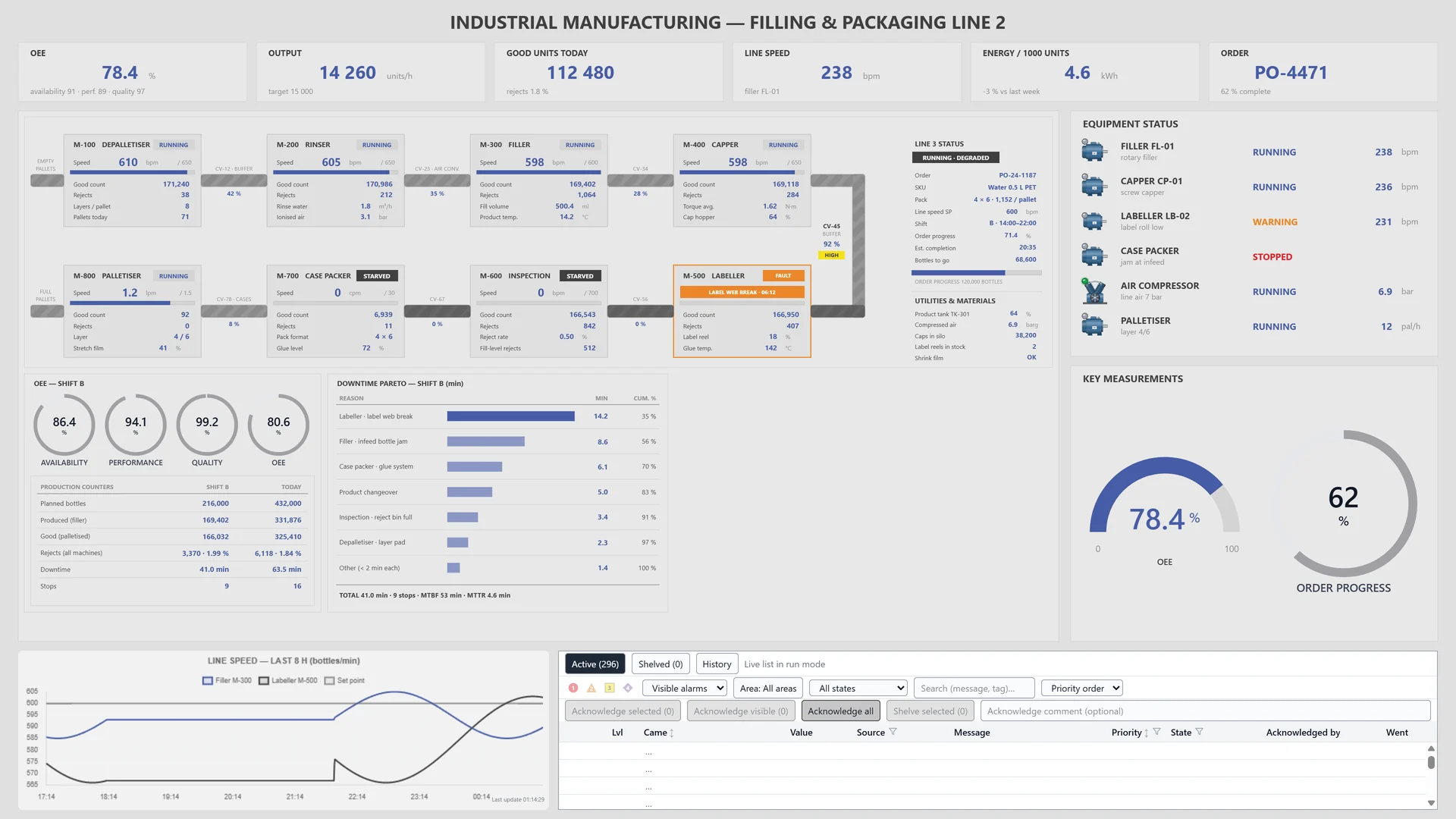
A sample screen made for a fictional filling and packaging line: machine states, line speed, production counters, a trend chart and the alarm list on one page.
Frequently asked questions
Which PLCs does YTCC talk to?
Over Siemens S7 (S7comm, ISO-on-TCP), EtherNet/IP (Logix symbolic tags, explicit messaging), Beckhoff ADS (TwinCAT 2/3 symbolic names), OPC UA, Modbus TCP and MQTT. On S7-1200/1500, PUT/GET must be enabled and optimized block access turned off.
Do I have to restart the driver to add a signal?
No. Adding and deleting points and changing addresses and scaling take effect without restarting the driver and without dropping the device connection. When a device's connection settings change, only that device reconnects; driver-wide settings need a driver restart.
Can I see who changed the configuration?
Yes. For configuration changes, the audit log keeps who changed which record and when, with the previous and new values.
YTCC. Your trusted control center for energy and industrial SCADA.
Download YTCC and build your first screen.