
Alarm Management
Group alarms, see what comes first and know who acknowledged what.
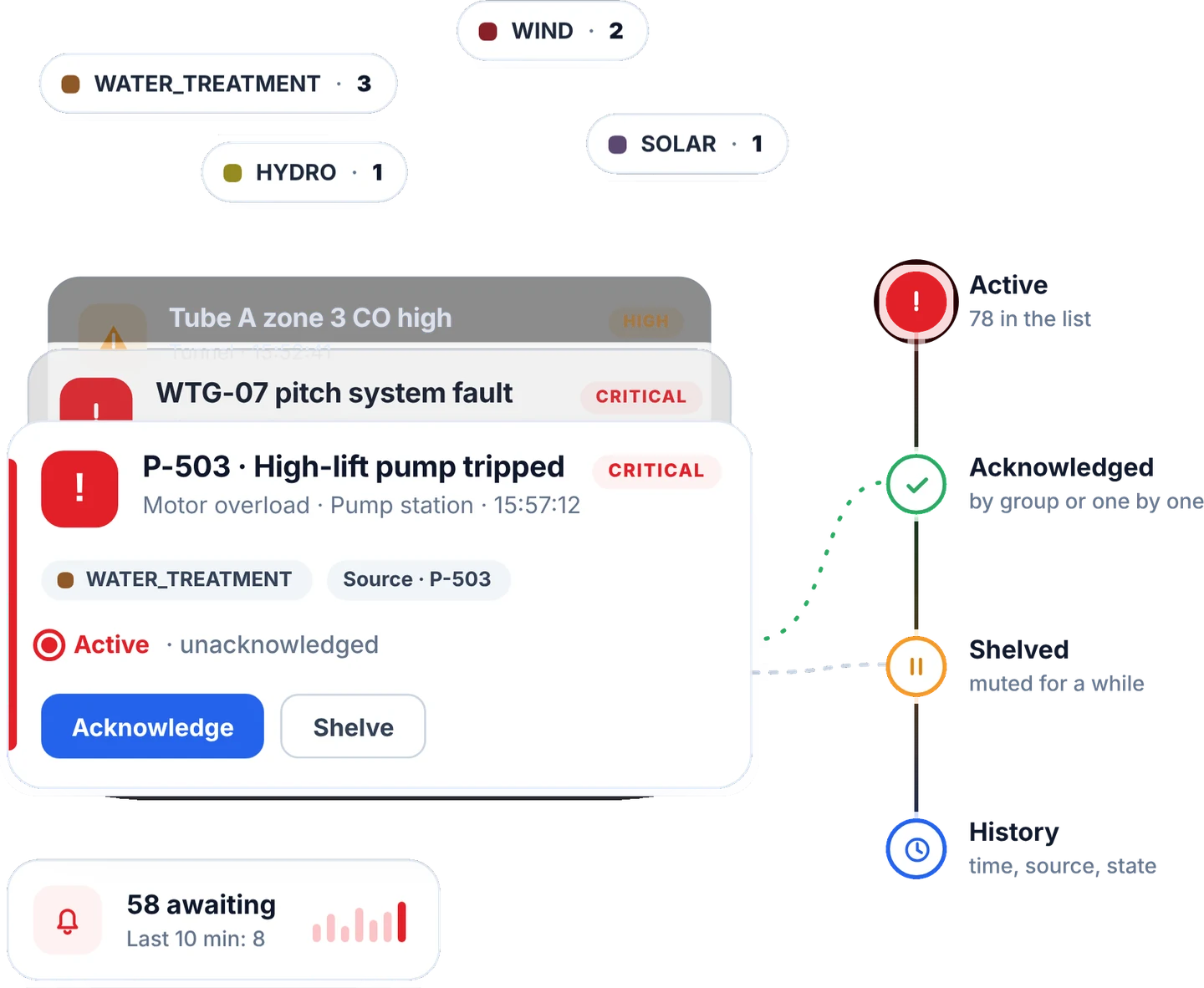
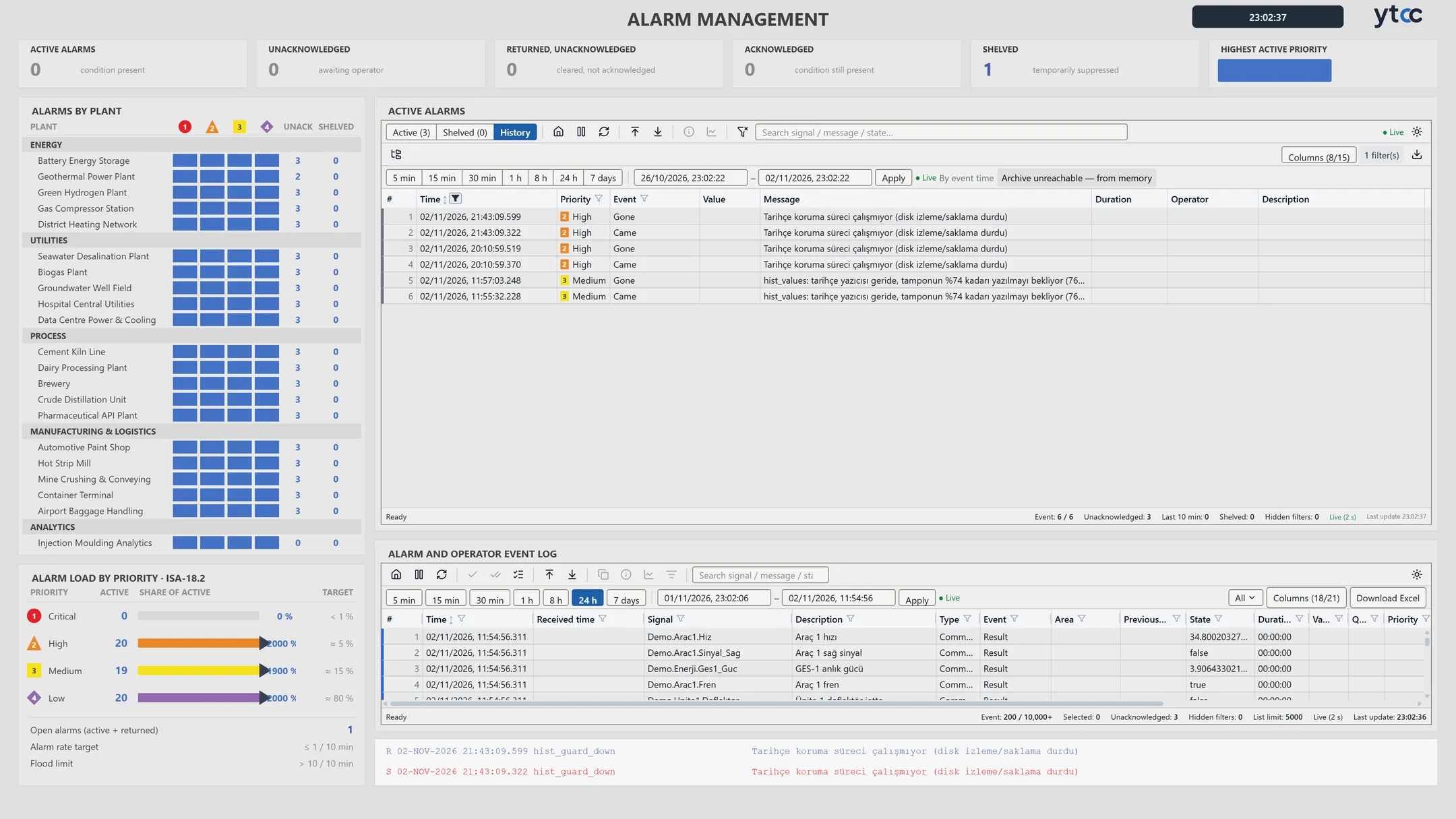
Put alarms into groups
Build nested alarm groups, each with its own counter. Operators acknowledge alarms one by one, by group or all at once.

Spot chattering alarms and alarm floods
YTCC detects chattering alarms and alarm floods and marks them in the list. You set the threshold, hysteresis and on-delay for each alarm.
Frequently asked questions
Can I acknowledge alarms as a group?
"Acknowledge group" acknowledges every alarm in a group. Each acknowledgement is logged under the user's name, and you can add a comment when you acknowledge one or several alarms.
Can I take an alarm off the list for a while?
Yes, by shelving it. You write a reason and pick how long, or keep it shelved until you unshelve it yourself.
Can I export the alarm history?
Yes. Download the alarm history as Excel or CSV and the command log as Excel.
YTCC. Your trusted control center for energy and industrial SCADA.
Download YTCC and build your first screen.