
Water and Wastewater
Monitor treatment plants, pumping stations and reservoirs in a web browser. YTCC collects data from PLCs and outstations over Modbus TCP, Siemens S7, OPC UA and DNP3, and shows pumps, valves and levels with ready-made symbols.
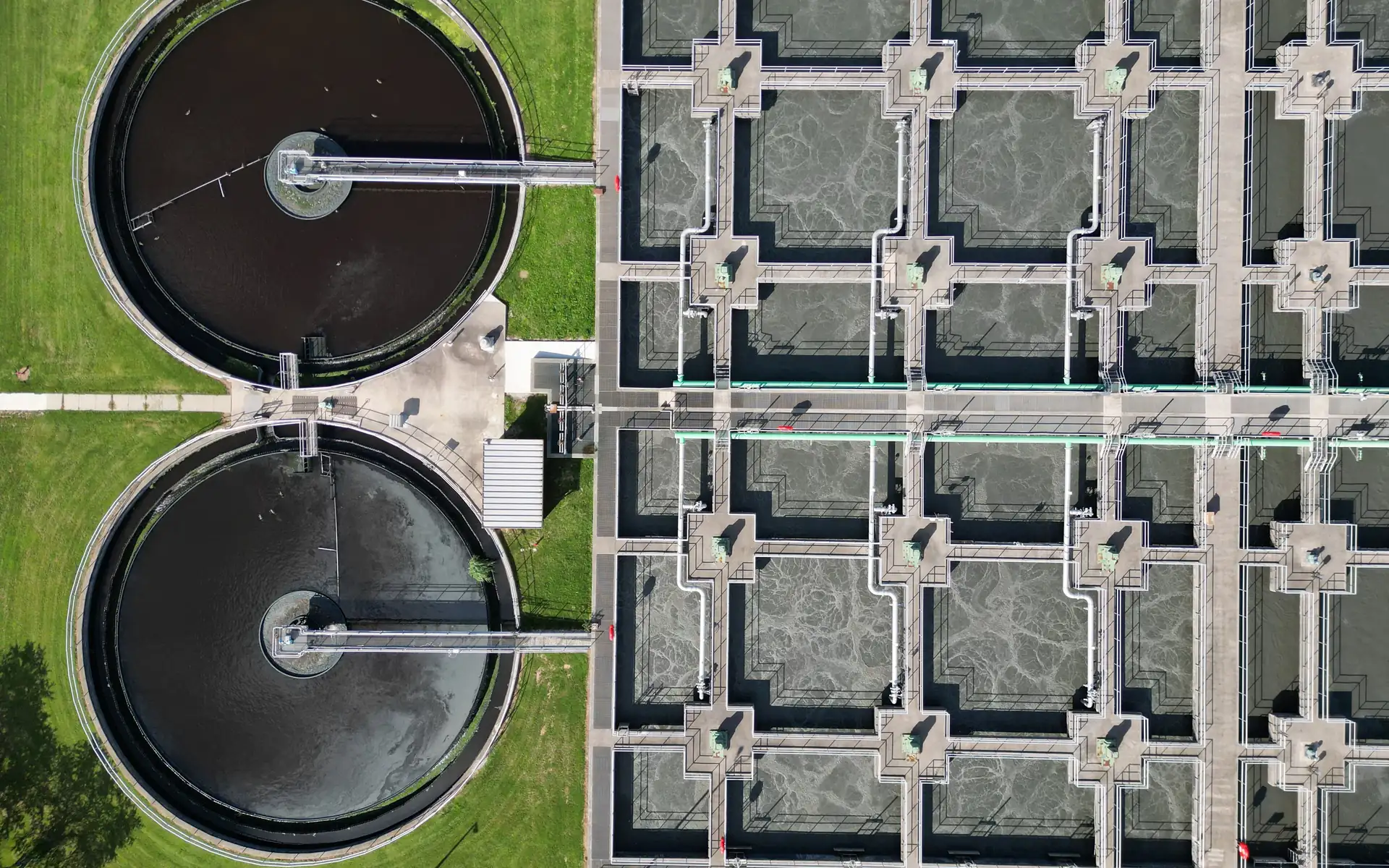
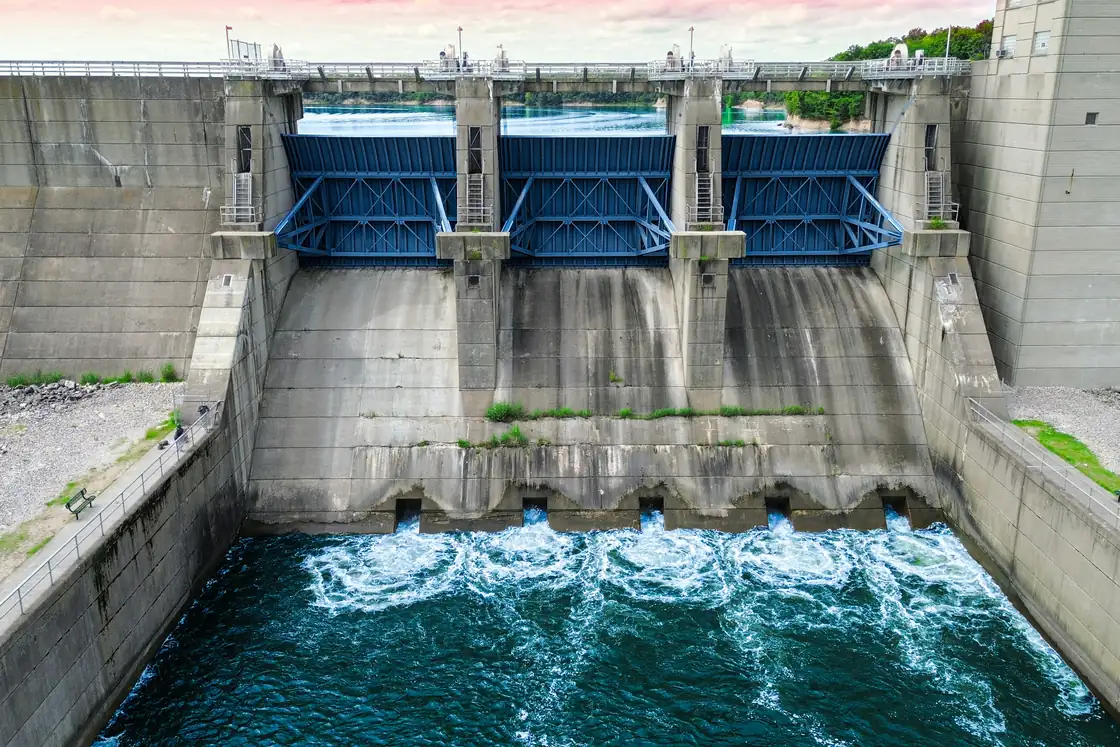
Watch pumps, reservoirs and the process together
Water and wastewater operators watch a spread-out system, from the raw water intake through the treatment stages to pumping stations and reservoirs. Reservoir levels, flows, pump states and water quality readings have to stay current on screen, and a pump fault or a lost link to a station has to be noticed in time.
YTCC talks to PLCs and stations as master over Modbus TCP and DNP3 and as Siemens S7 client; it works as OPC UA client and server, and its MQTT client takes data from gateways. When communication with a device is lost, one alarm is raised per device and its signals go to "no connection" quality.
You draw process screens in the screen editor with ready-made objects: centrifugal, gear, vacuum and submersible pumps, many valve types including control and motorized valves, and magnetic, turbine, vortex, Coriolis and ultrasonic flowmeters. Tank fill levels are bound to signals and the high and low level lines change color when crossed; pumps show running, stopped and fault states, and the flow in pipes turns on and off with a signal. Internal tags keep pump running hours and counters, and expressions compute derived values. You write server scripts in TypeScript in the browser; they run on value change, periodic, calendar (cron) and alarm triggers, and commands reach the field only with explicit permission, a target pattern and a rate limit.
You gather alarms by plant or station in nested groups and acknowledge a group at once; chattering alarms and alarm floods are detected, with an audible alert per priority.
A sample YTCC screen for Water and Wastewater
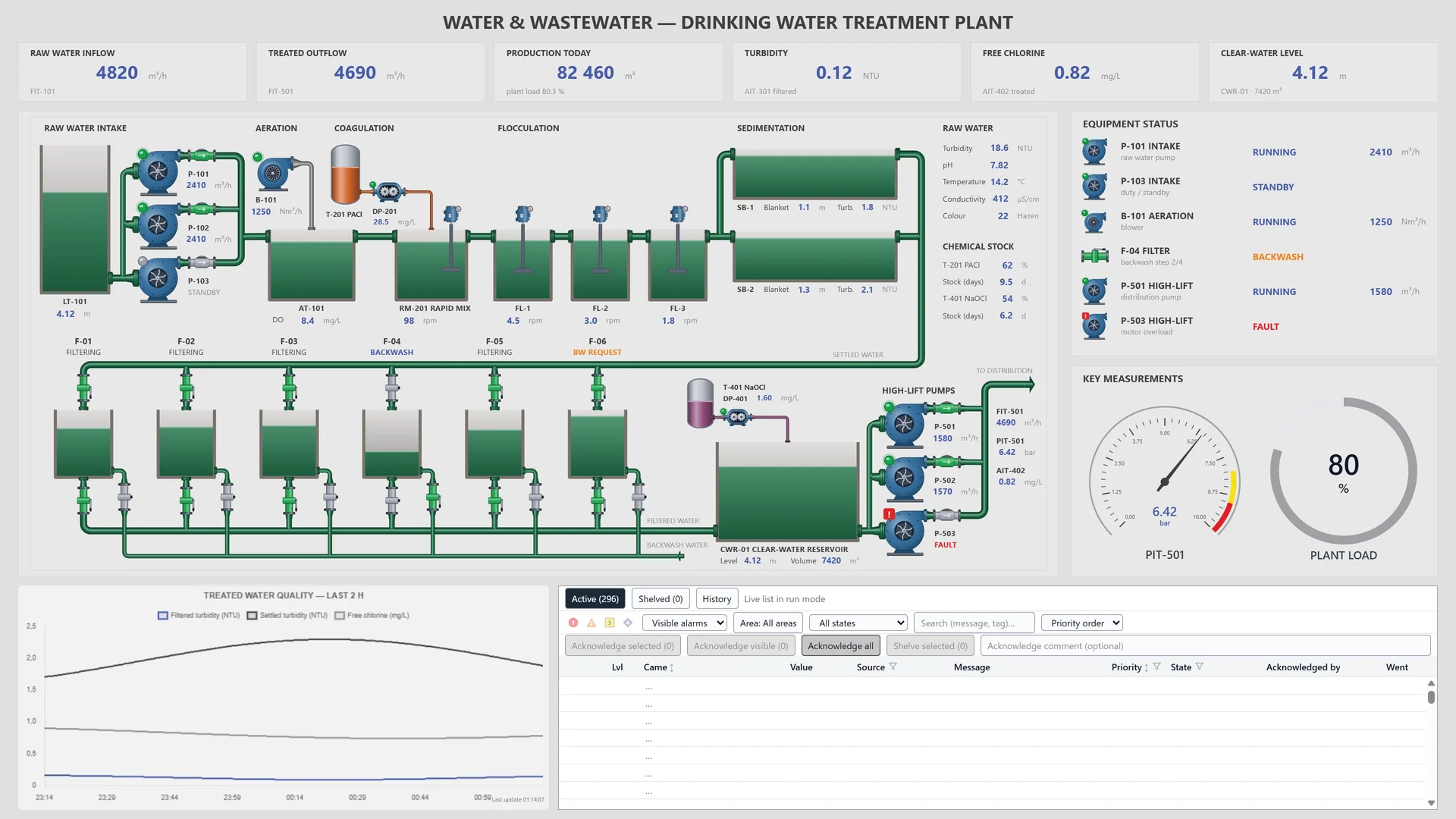
A sample screen made for a fictional drinking water treatment plant: raw water intake, aeration, coagulation and filters, equipment states, a water quality chart and the alarm list on one page.
Frequently asked questions
Which protocols does YTCC use with PLCs and stations in water systems?
As master: Modbus TCP and DNP3. As client: Siemens S7 and MQTT. As OPC UA client and server. Modbus is supported over TCP only. Other field protocols are listed on the Platform page.
Can I track pump running hours?
Yes. The internal tags include running hours and counters: you keep a pump's running hours from its run signal and its number of starts from its start signal. These values can be archived too.
How do I set up automatic tasks such as pump rotation?
With server scripts. You write them in TypeScript in the browser and attach them to a value change, periodic, calendar or alarm trigger. A dry run is possible before anything is written, and commands reach the field only with explicit permission, a target pattern and a rate limit.
YTCC. Your trusted control center for energy and industrial SCADA.
Download YTCC and build your first screen.