
Building and Facility Automation
Monitor air handling units, energy panels and facility infrastructure in a web browser. YTCC collects data over BACnet/IP, Modbus TCP, SNMP and OPC UA, and lets you design HVAC screens with ready-made symbols in the browser.
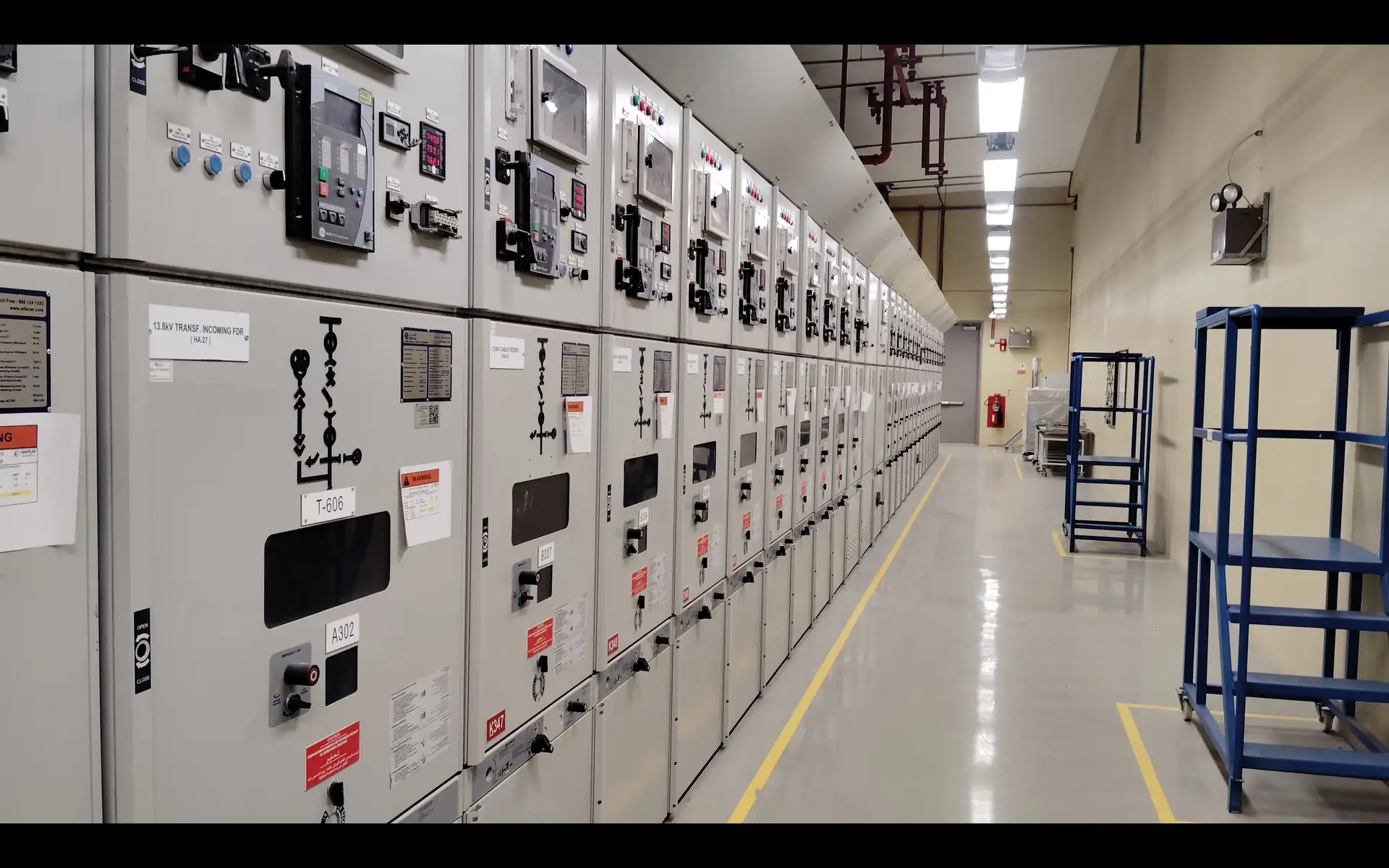
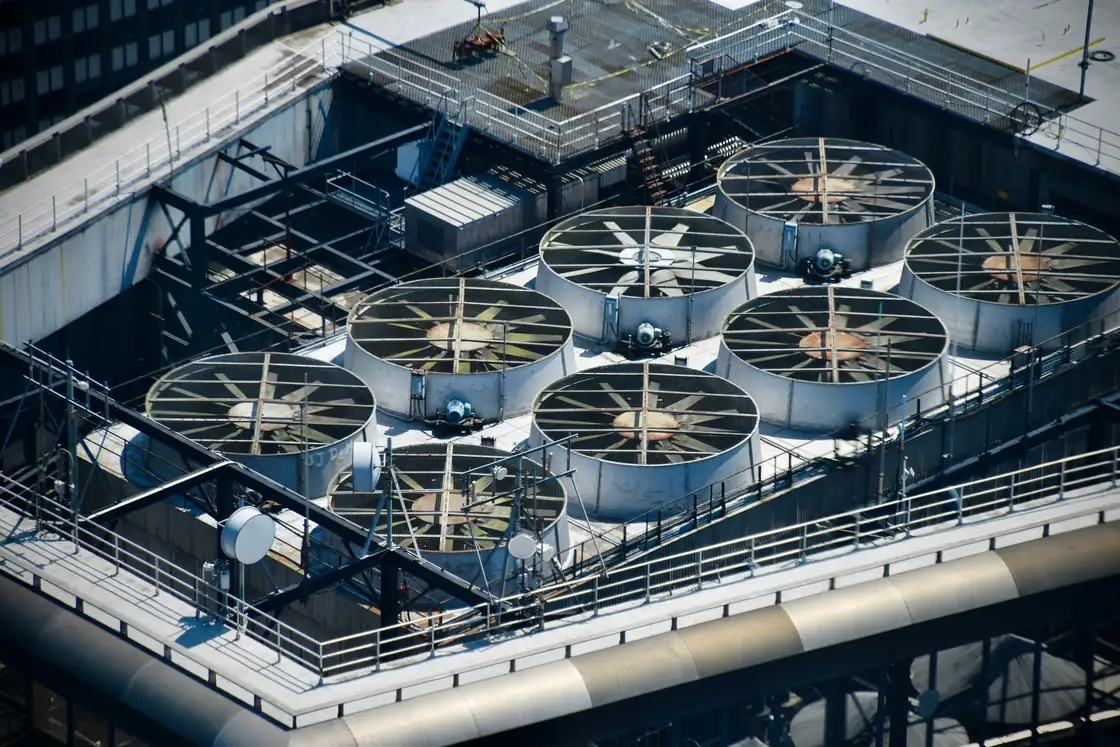
HVAC, energy and infrastructure on one platform
In a building or a facility campus, air handling units, boilers, chillers, energy meters and network devices run on different protocols. The facility team wants temperatures, damper and valve positions, fan states and energy use in one place.
YTCC talks as BACnet/IP client, as Modbus TCP master and as OPC UA client and server. In BACnet it discovers devices with Who-Is and scans their objects, reads and writes analog, binary and multi-state objects, and subscribes to COV for Present_Value, falling back to polling if the subscription is refused. Writes use a priority from 1 to 16, and a priority can be relinquished. As an SNMP manager it polls network devices with v1, v2c and v3 and receives traps. BACnet MS/TP devices are reached through a router. Its MQTT client takes data from gateways as well.
With the screen editor's ready-made HVAC symbols (air handling unit, damper and motorized damper, heating and cooling coil, VAV, fan coil, chiller, exhaust and axial fan) you draw air handling unit and facility screens in the browser. You run server scripts on a calendar (cron) trigger, for example to send a setpoint by working hours; commands reach the field only with explicit permission, a target pattern and a rate limit. Internal tags keep fan running hours and compute thresholds and derived values.
User-defined roles and per-page access lists decide which screens the technical team, security and management see and which commands they may send; permissions are checked on the server.
A sample YTCC screen for Building and Facility Automation
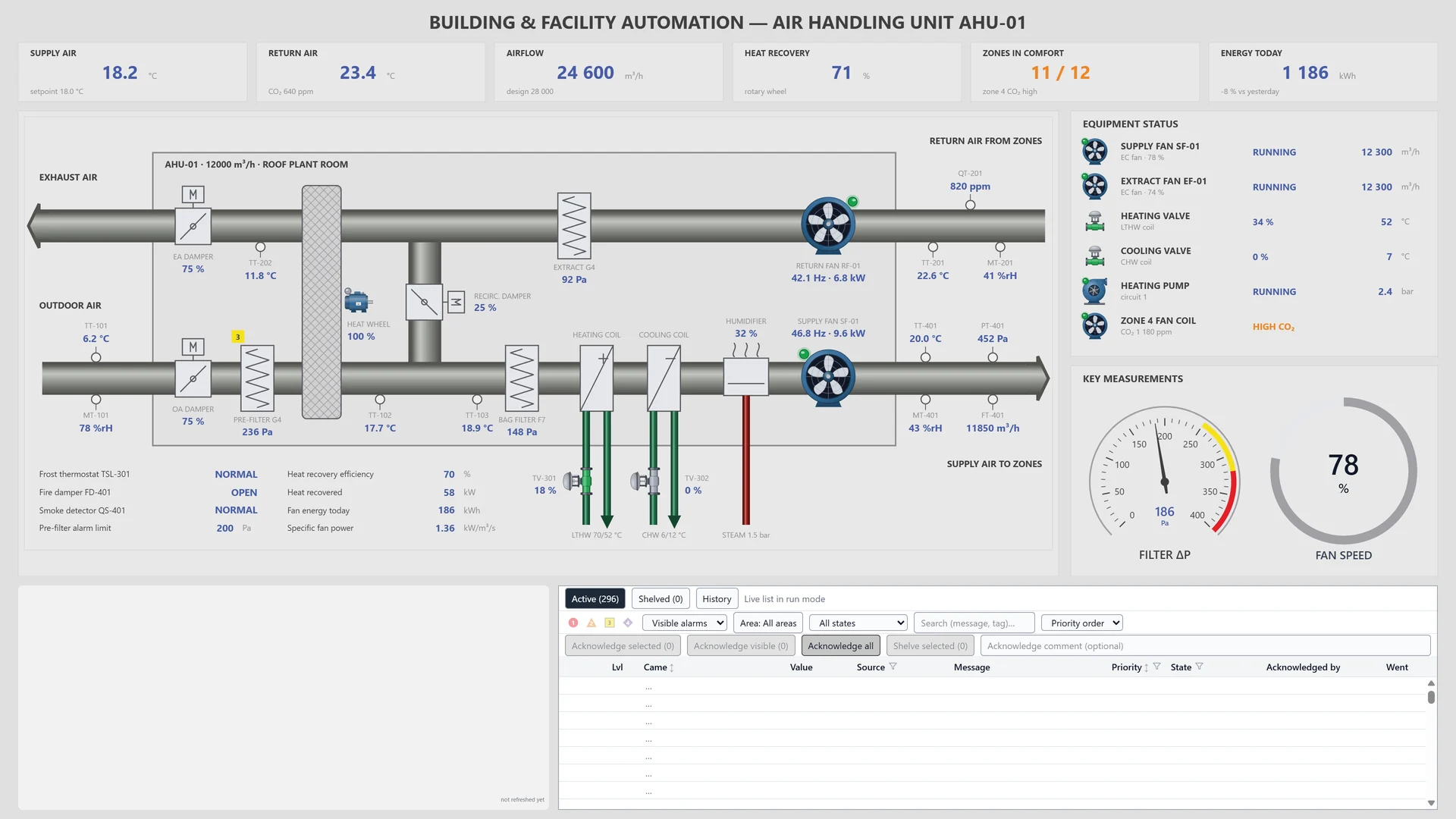
A sample screen made for a fictional air handling unit (AHU-01): air flow diagram, fan and valve states, temperatures and the alarm list on one page.
Frequently asked questions
Does YTCC talk to BACnet devices?
Yes, as a BACnet/IP client. It discovers devices with Who-Is and scans their objects, subscribes to COV for Present_Value and writes with a priority from 1 to 16. BACnet MS/TP devices are reached through a BACnet/IP router.
Can I monitor network devices too?
Yes. As an SNMP manager you poll devices with v1, v2c and v3, write values and receive traps. SNMP v3 traps are not decoded.
Can I define automatic tasks by working hours?
Yes. You attach server scripts to a calendar (cron) trigger. Scripts run in a sandbox, and commands reach the field only with explicit permission, a target pattern and a rate limit.
YTCC. Your trusted control center for energy and industrial SCADA.
Download YTCC and build your first screen.