Skip to content
YTCC

YTCC. Your trusted control center for energy and industrial SCADA.

YTCC is an advanced SCADA/HMI platform with a core written in Rust. It runs on your own server; you design and operate from the browser.

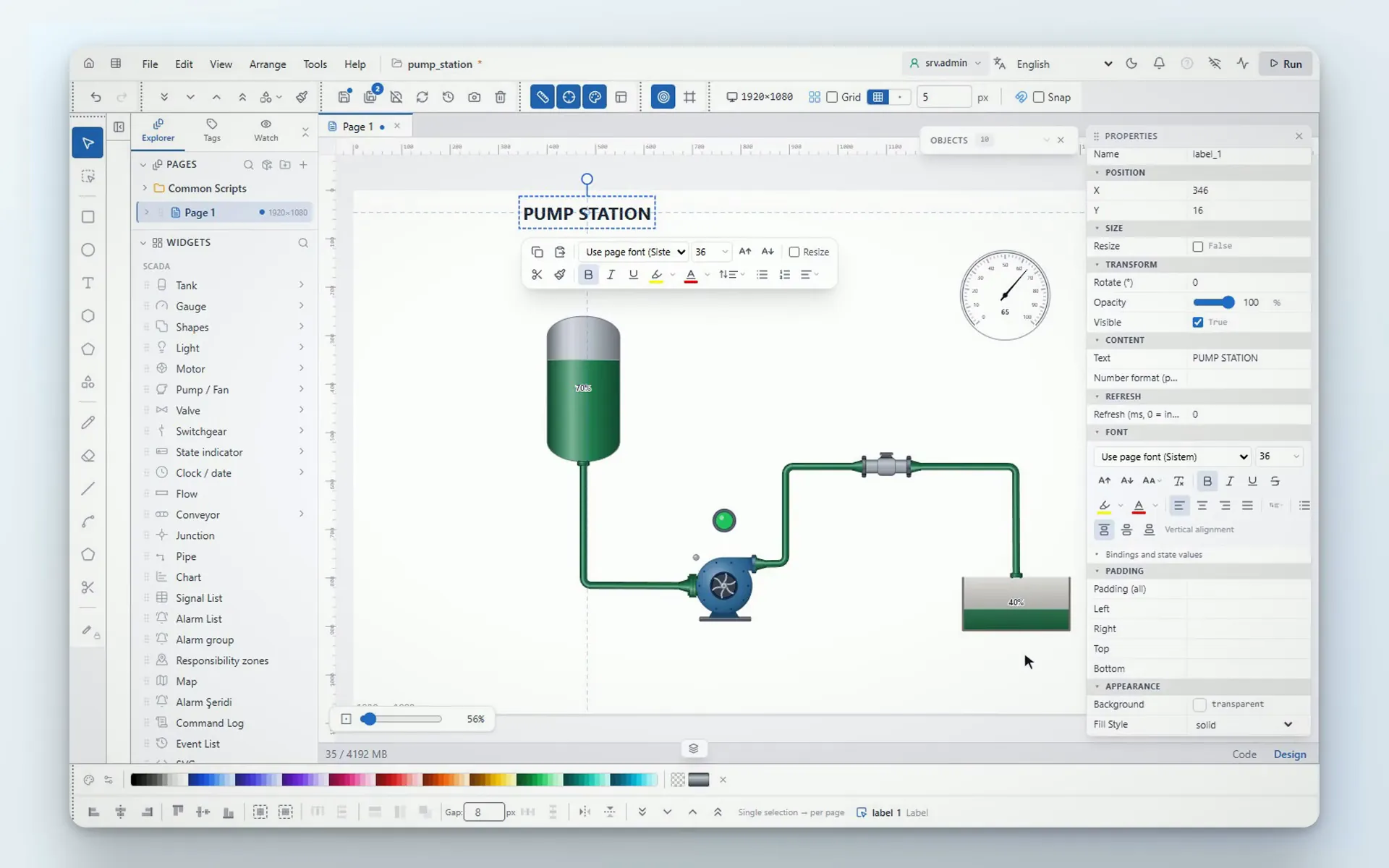
Video: a pump station screen is built in the YTCC screen editor; a tank, a pump, a valve and a gauge are placed and connected with pipes

About us

YTControl was founded in 2017 by engineers with over 20 years of field experience in safety-critical automation, and has been based at Istanbul Teknopark since 2020.

YTCC is the SCADA/HMI platform YTControl develops. You design screens, alarms and scripts in the browser and run them from the same place.

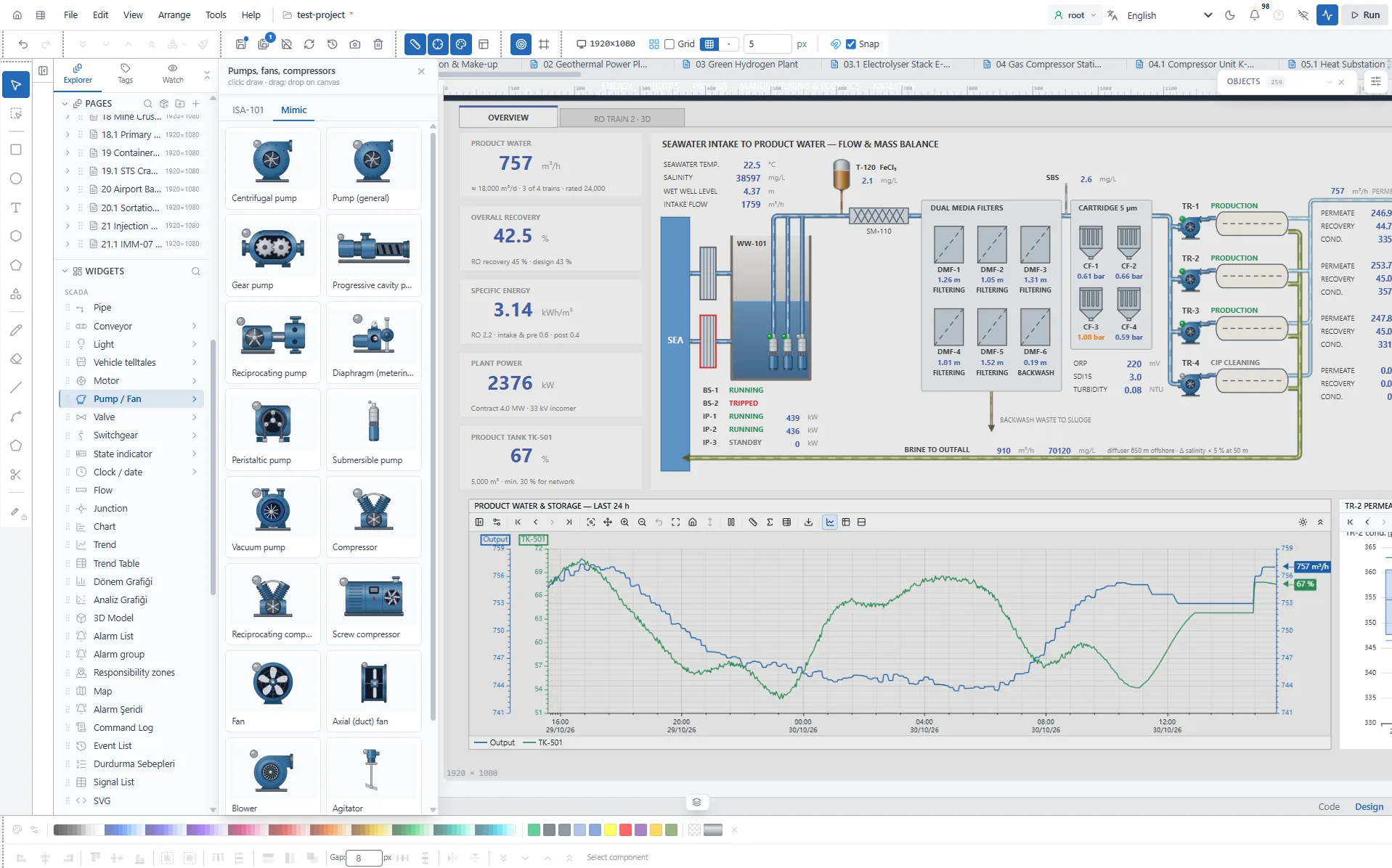
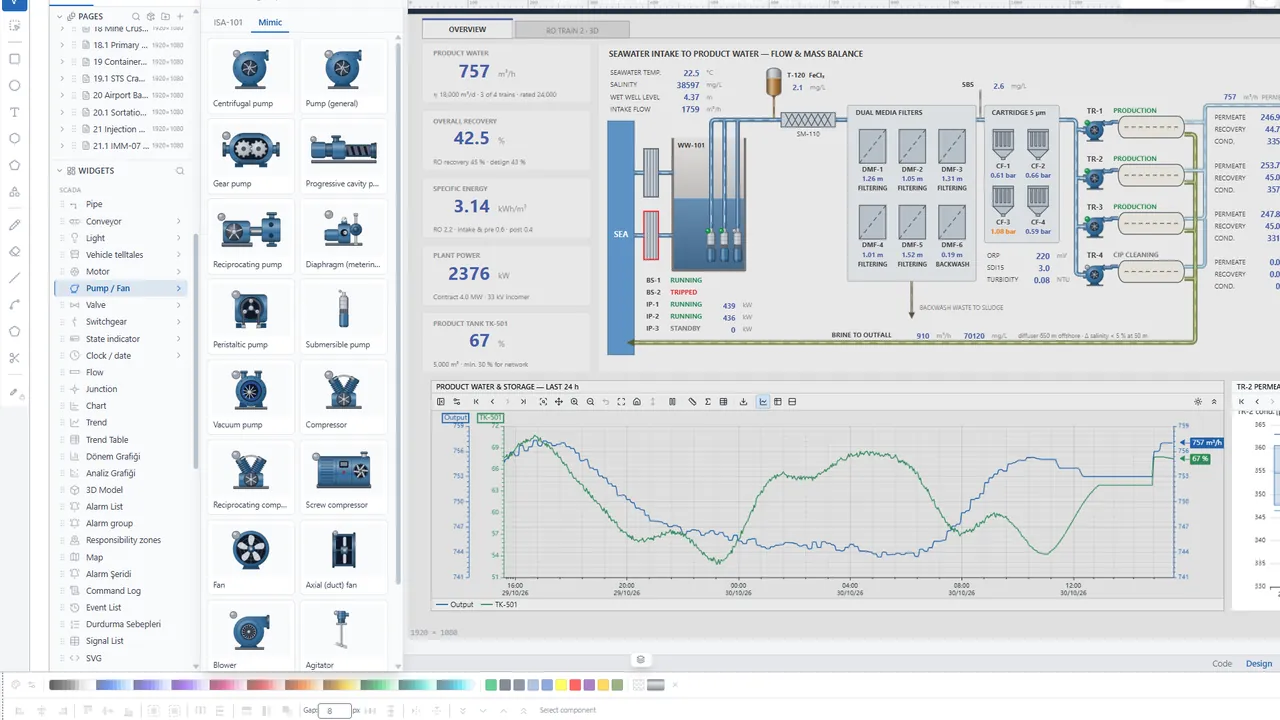
A reverse osmosis plant screen in the YTCC screen editor: pump symbols, the process diagram and a chart of the last 24 hours
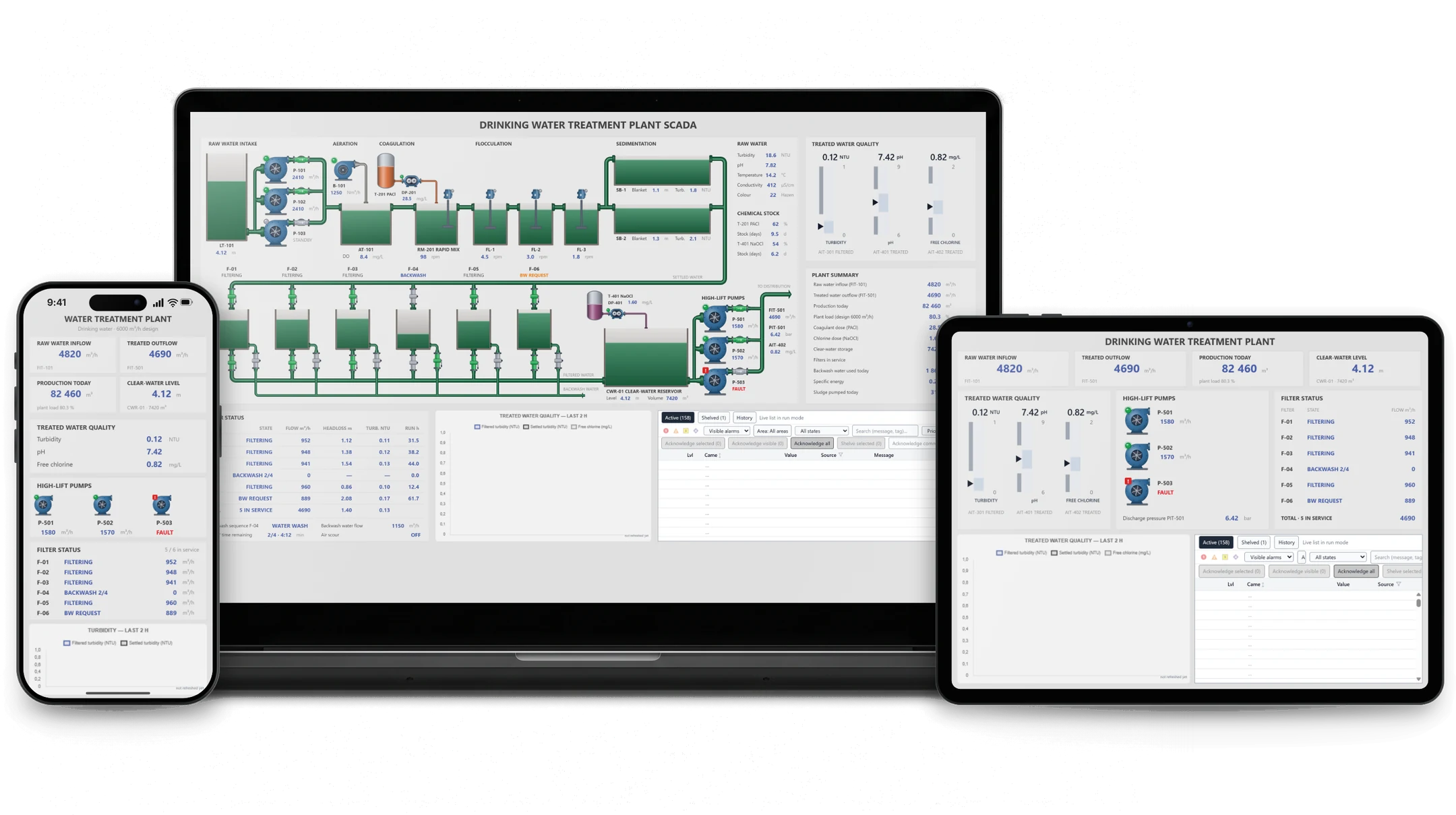
Runtime screens of a drinking water treatment plant on a laptop, a tablet and a phone.

Design in the web editor, use it on all your devices

YTCC runtime screens run in the browser, so you can open them from computers, tablets and phones on your local network.

  • Access from PCs, tablets and phones
  • A web editor that opens in your browser
  • A rich, modern interface

YTCC with AI

You describe it. AI draws it.

Connect your AI client to your YTCC project over MCP. Write what you need, and AI builds the SCADA screen, the symbol and the 3D object.

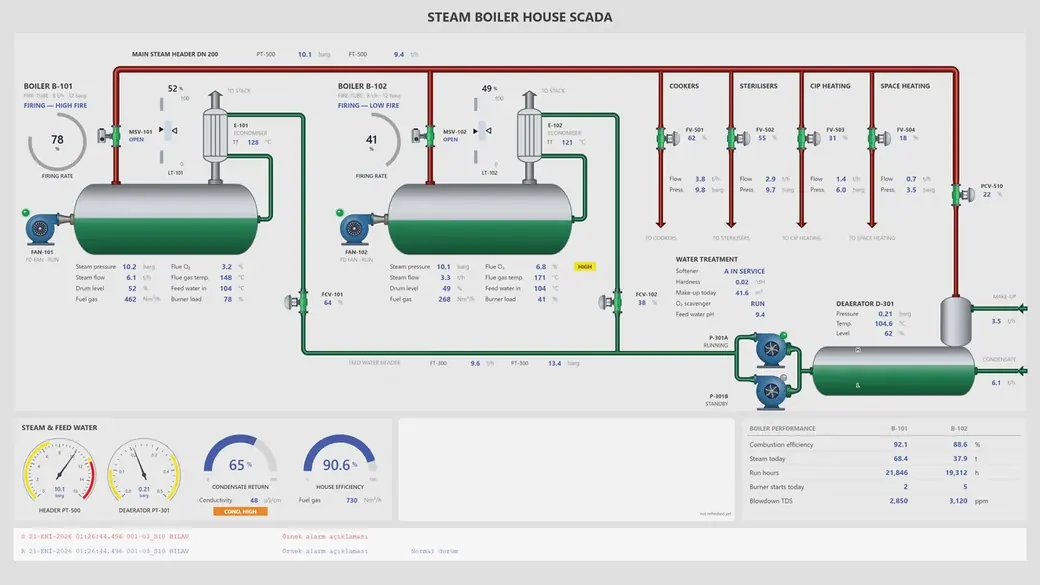
“Draw a SCADA screen for a steam boiler house.”

A steam boiler house SCADA screen drawn with AI: boilers, piping and gauges.

What YTCC gives you

The YTCC SCADA/HMI platform

Install it on your own server, then design and run screens, alarms and scripts from the browser.

Explore the platform

Advanced SCADA Editor

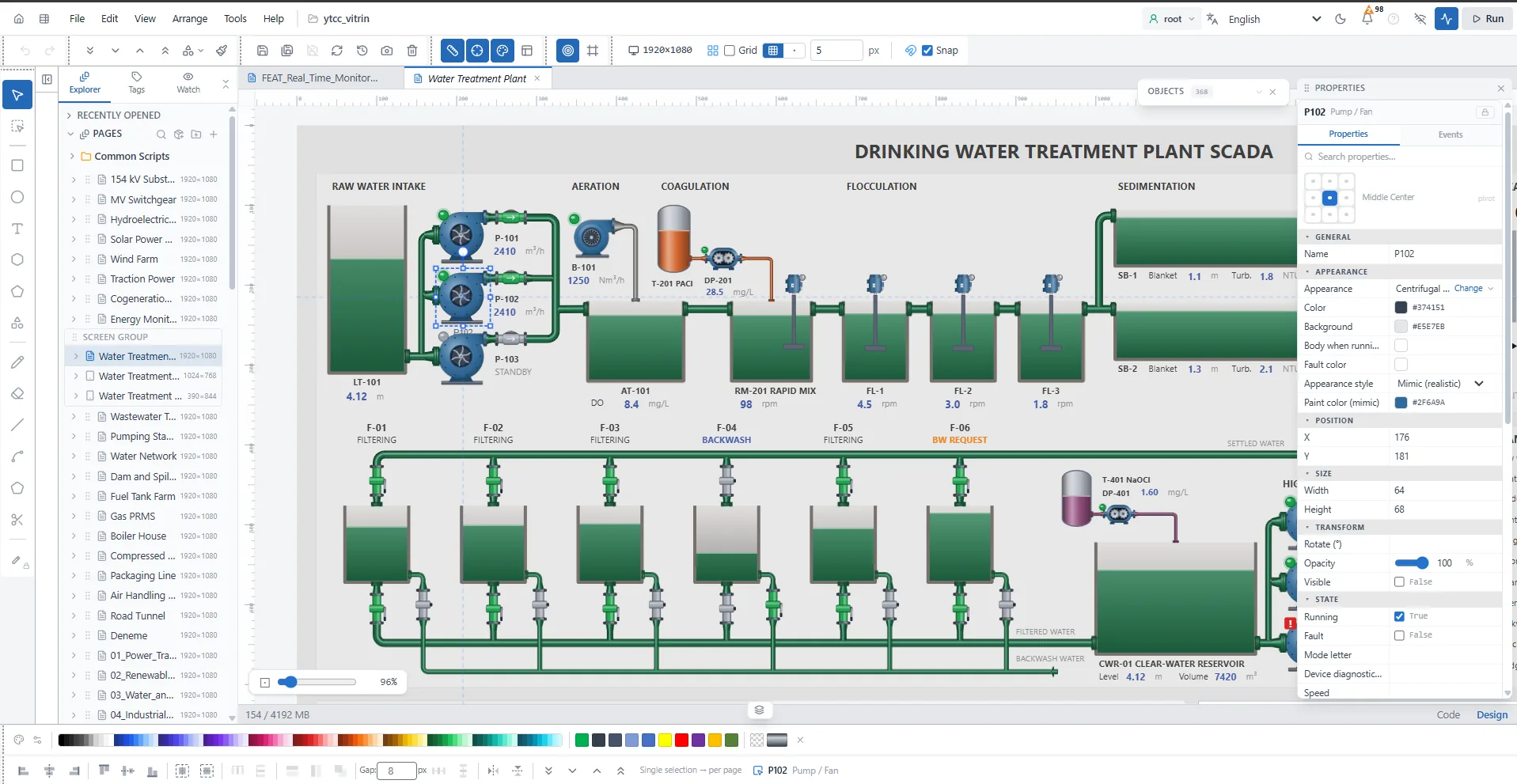
A drinking water treatment plant screen in the YTCC screen editor: tanks, pumps, filters and the selected pump's properties
  • Only the data you need

    Each screen asks only for the signals it shows.

  • Lost links show on screen

    When a link drops, an alarm comes in and the value changes color.

  • Logged commands

    Every command is logged with its sender, and none goes out while the link is down.

  • System health on screen too

    Watch server, disk and driver status through system signals.

Screen editor

Rich Symbol Library

Draw your screens in a plain or a mimic style

Mimic Design

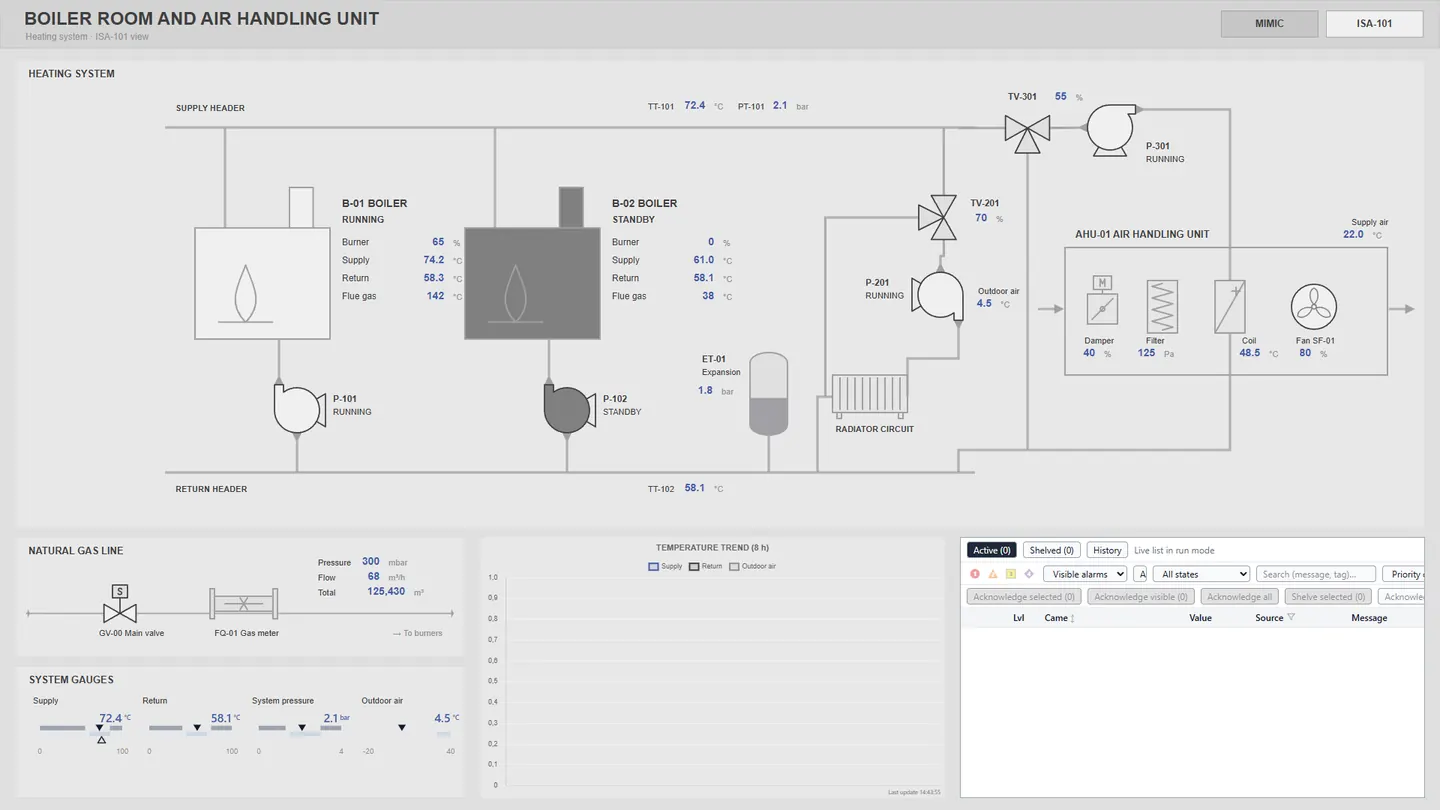
Plain grey view of a boiler room and air handling unit SCADA screen, with colour only on the values.

ISA Standard Design

Frequently asked questions

What is YTCC?

YTCC (YTControl Control Center) is a web-based SCADA/HMI platform from YTControl, with a core written in Rust. It runs on your own server and collects data from field devices. You design screens, alarms and server scripts in the browser and monitor your plant from a computer, tablet or phone on your local network.

Do I have to stop the system to make a change?

Not to add or remove a point or change an address: the main drivers keep running. A driver-wide setting does need the driver to restart.

Which protocols does YTCC use to talk to field devices?

YTCC communicates over Modbus TCP, Siemens S7, OPC UA, IEC 60870-5-101, IEC 60870-5-104, IEC 61850 (MMS), DNP3, BACnet/IP, MQTT, SNMP, Beckhoff ADS, and EtherNet/IP.

See the field protocols on the Platform page

What happens if a driver stops?

YTCC restarts a crashed driver on its own. If a device loses its link, an alarm comes in for that device.

How does YTCC check commands?

The server checks permissions, so a user without the right cannot send a command. A command sent while the link is down is rejected, and a failed command raises an alarm.

Can I set user permissions and password rules?

Yes. You define the roles and decide who can edit screens, acknowledge alarms or send commands. You also set the password rules and account lockout.

Where is YTCC installed?

On your own server. The server runs on Windows 10/11 (x64) and Linux, and on Linux you can use devices with ARM processors too. There is no macOS package; you connect from your Mac in a browser.

Can I move a project to another computer?

Yes. Back up the project to a single file and import it into YTCC on the new computer. Measurement and alarm history and driver certificates stay out of the file.

Which industries does YTCC focus on?

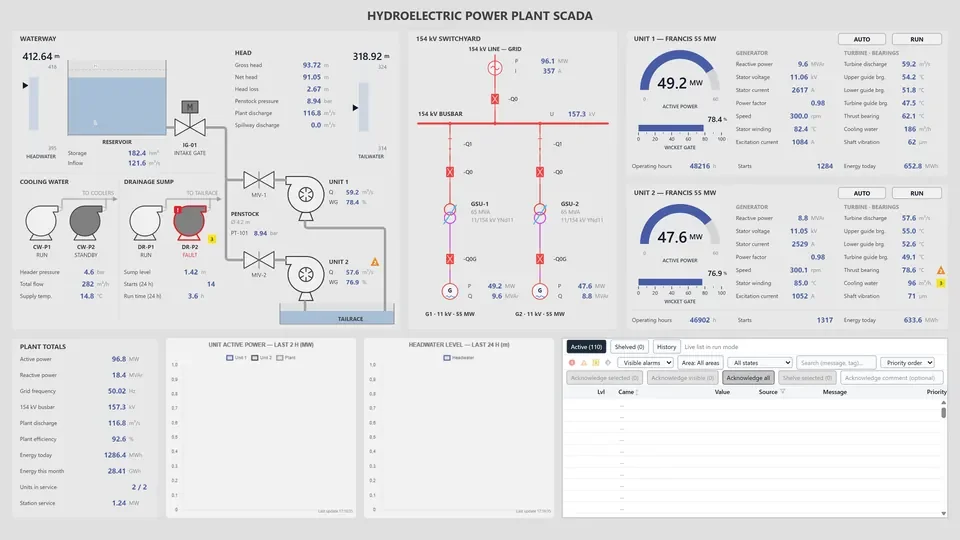
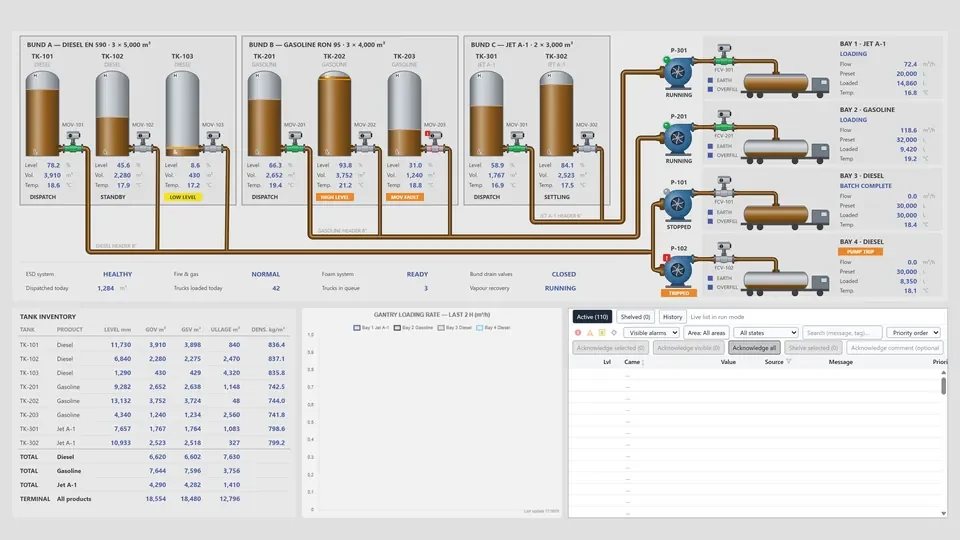
YTCC's target industries are power transmission and distribution; renewable energy (solar, wind and hydro); water and wastewater; industrial manufacturing; building and facility automation; transportation infrastructure; oil and gas; and agriculture and irrigation.

See the industry pages

Latest articles

YTCC. Your trusted control center for energy and industrial SCADA.

Download YTCC and build your first screen.