Fundamentals 4 min read
What is web-based SCADA? Engineering and operation in the browser
In web-based SCADA, screens, alarms and configuration live on the server, and engineers and operators work in a browser. The architecture, what it changes and what to ask.
Published:
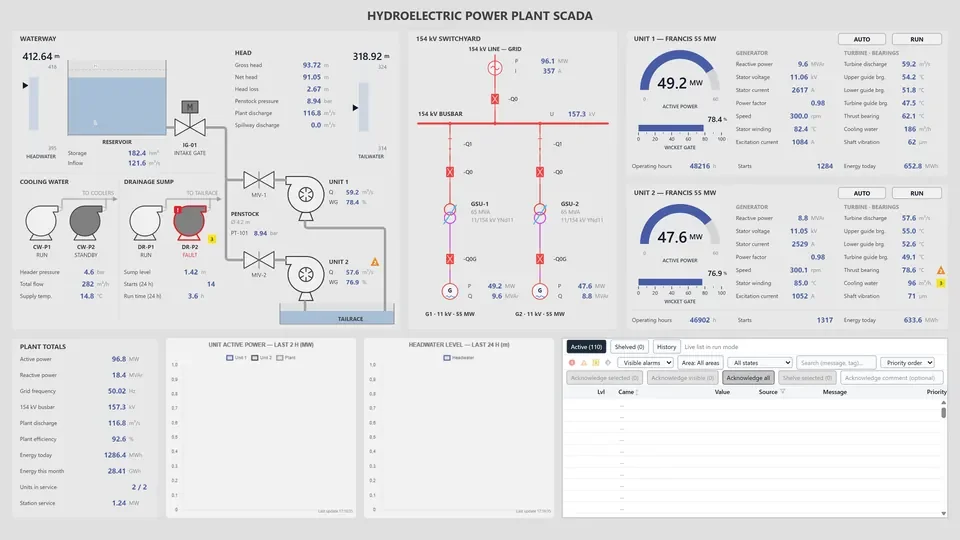
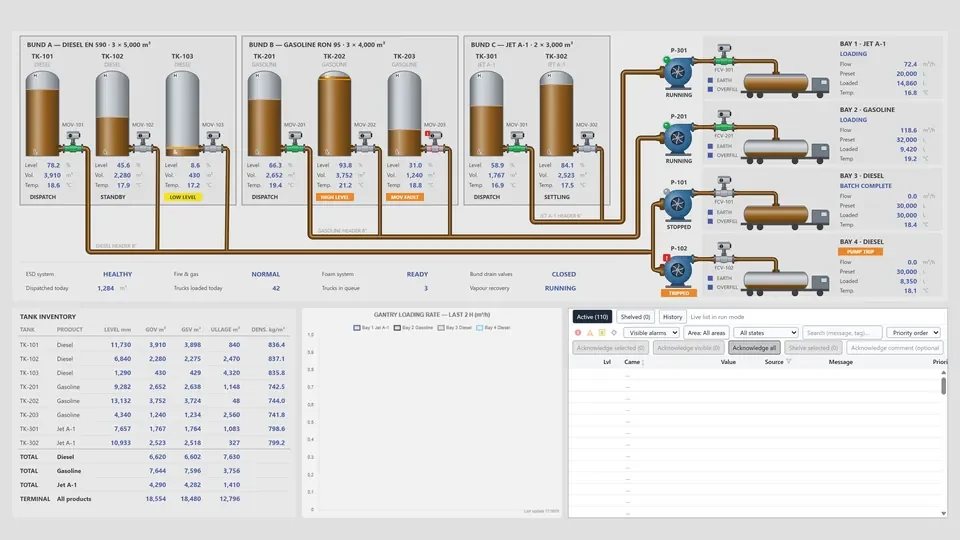
A SCADA system collects data from field devices, shows it to operators as screens and alarms, and passes their commands back to the field. Where that work happens depends on the architecture. In a traditional setup, operator and engineering workstations each run installed client software. In web-based SCADA, the browser takes over that role.
From installed clients to the browser
A classic SCADA installation usually has three parts: a server that talks to the field, a runtime client installed on each operator station, and a separate development environment where engineers edit the project. Each client has its own version. When the server is upgraded, the stations have to follow, and adding an operator workstation means an installation, a license and a copy of the project files.
In web-based SCADA, the project, the screens, the alarm definitions and the configuration stay on the server. The client is a web browser: it loads the screen from the server, receives value updates over a connection that stays open, and sends the operator’s commands back. Today this is done with standard web technologies such as HTML5, SVG and WebSocket, with no browser plug-in to install.
Engineering in the browser too
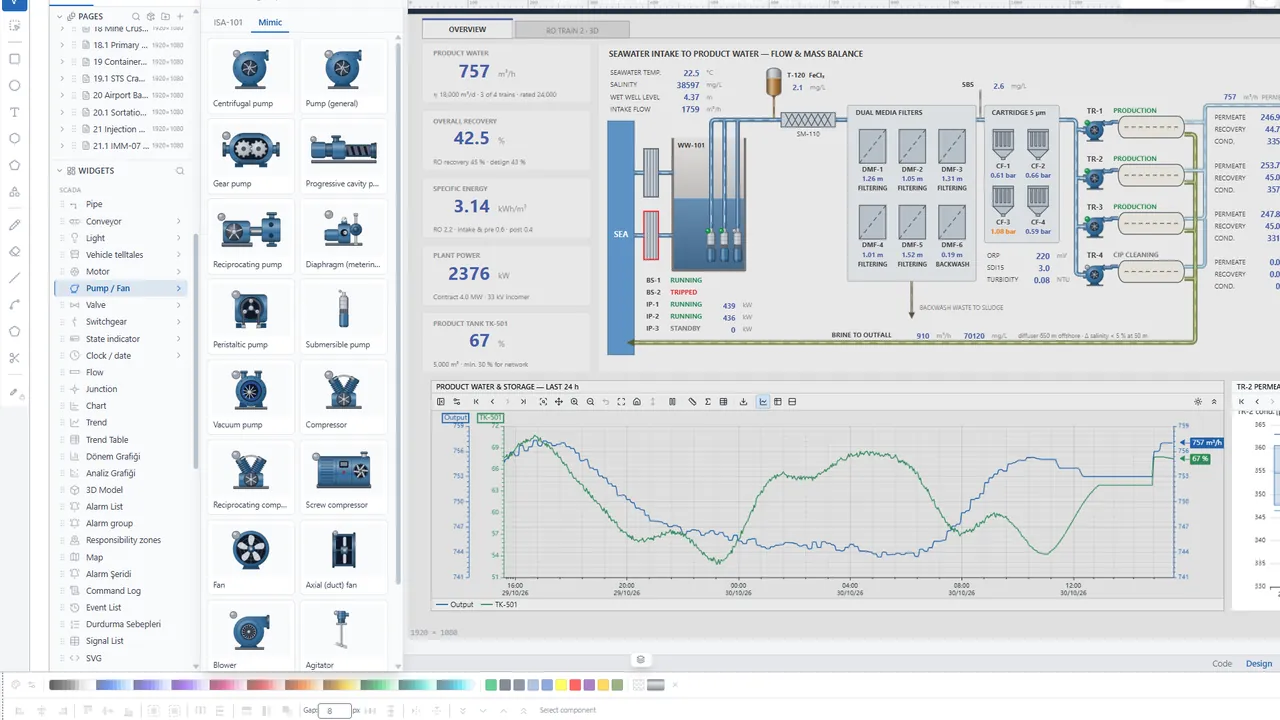
When web access first became common, it was often limited to showing screens that had been designed on a desktop tool. The browser was a viewing window, and engineering still needed installed software. Some systems now go further and let you edit screens, signal and driver settings, and even scripts that run on the server, from the browser as well.
In practice, engineers and operators then look at the same project on the same server. A fix to a screen needs no copied files and no new version rolled out to each station. Who changed what can be recorded in one place.
What it changes
- Less client maintenance. When a browser is all an operator station needs, installation and upgrades are concentrated on the server.
- One project, one source. Screens and configuration live in one place, so stations never drift onto different versions.
- Flexible screens. The same screen opens on monitors of different sizes, and SVG graphics stay sharp when scaled.
- Central authorization. Who sees which screen, who may send commands and who may change the configuration is defined and enforced on the server.
Questions to ask when you evaluate one
Browser access is convenient, but easier access to a control system also means a larger surface to protect. NIST’s guide to operational technology security (SP 800-82) recommends separating control systems from the corporate network and the internet in layers, and granting access on the principle of least privilege. These questions help when you evaluate a web SCADA:
- Network architecture: Which network segment will the server sit in? If access from the corporate network or from remote sites is needed, how will it be provided?
- Identity and permissions: How are roles defined? Are permissions checked in the browser or on the server?
- Records: Are logins, configuration changes and commands logged with the user and the values involved?
- Connection security: How will traffic between the browser and the server be protected in your installation?
- Behavior on failure: When communication with a device is lost, how does the operator see it on screen?
- Data flow: When a screen opens, what does the server send? Are signals that are not on the screen transmitted too?
Some of the answers lie in the product and some in how the installation is designed. Settle both with the supplier before you buy.
In YTCC
YTCC is a SCADA platform that runs in a web interface and has a core written in Rust. Runtime screens are designed in the screen editor in the browser. Signal, point, device and driver settings are made in the configuration editor. Server scripts are written in TypeScript in the code editor in the browser. No installation is needed on the client side other than the browser; the YTCC server is installed separately. Screens subscribe only to the signals they use, and permissions are checked on the server.
The Platform page has the details, and you can download YTCC to try it yourself.